Your Idea Turned Into Video

HeyGen Video Agent helps everyday creators turn a sentence, a document, or raw footage into a complete finished video. It drafts a short script, picks visuals that match the mood, adds clear narration, and stitches a polished edit so you do not need to wrestle with timelines or complex tools. 

What sets it apart is that it is built to handle the whole flow end to end, so a simple idea becomes a usable video with minimal tinkering. Unlike tools that add features piecemeal, this bundles script, visuals, and editing into one step, making it feel like a helpful assistant that builds the story and lets you fine tune the final cut. It’s similar to Invideo, but I haven’t had a chance to compare them yet.
One-Frame Magic

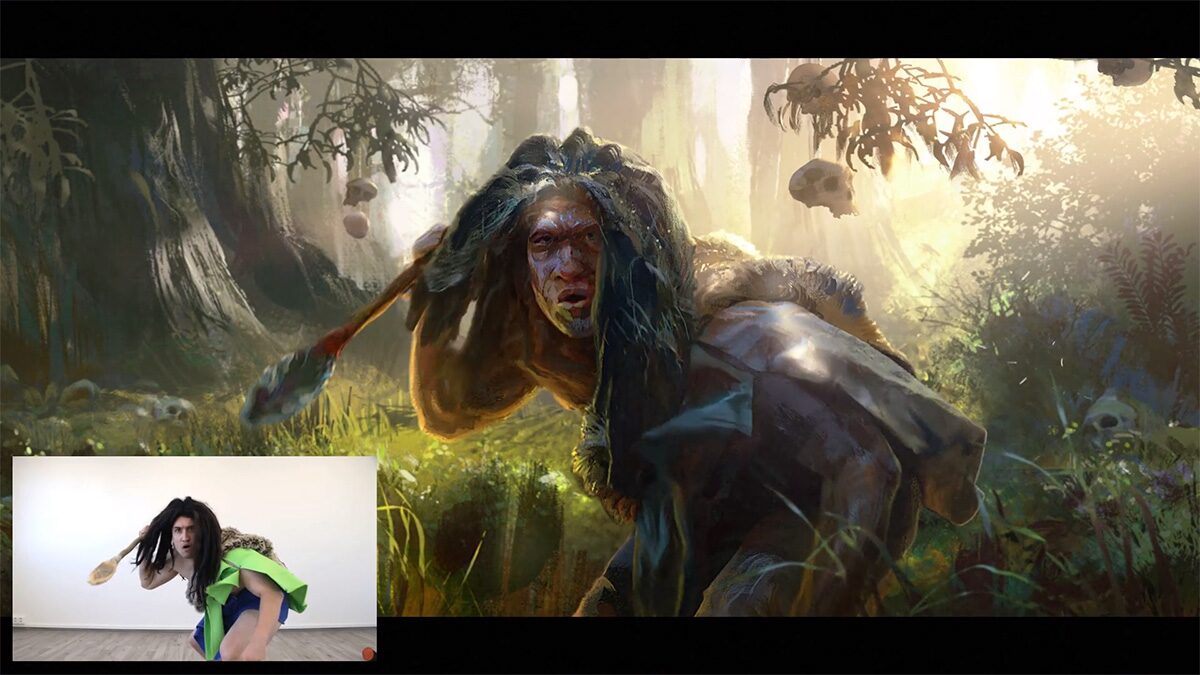
EbSynth is a friendly tool that lets you change a whole clip by painting a single frame and letting the app spread that style across the rest of the video. It gives artists hands-on control, great results for touch ups and color work, and a free plan to try it out. It claims to give Nano Banana or SeeDream style image editing, but to videos.  

What makes EbSynth feel different from the big generative suites is its simple, keyframe-driven approach. It does not rely on huge external models to imagine frames. That makes it feel predictable and artist friendly for people who want precise, craft-led edits rather than fully automatic style generation.

Agent 3: A Helpful App Builder That Keeps Improving

Replit’s Agent 3 feels like a friendly teammate that quietly gets work done for you. Give it simple instructions and it can run on its own for long stretches, test and fix its own code, and show progress in real time so theoretically you spend less time babysitting projects. 

What makes this one stand out is the mix of long, uninterrupted runs and built in self testing plus the ability to spawn small automations you can hook into tools like Slack or email. Many recent updates from other platforms focus on agent building blocks or browser integrations, but according to its promo, Agent 3 packages long autonomy, ongoing self improvement, and easy automations in a simple, approachable way. But I’ve seen mixed reviews. Some saying it takes way longer and fails too often, and some saying it’s the most marvelous thing ever. I’ll be testing it soon.

Ray3: A Video Model That Thinks And Polishes

Luma AI’s new Ray3 is a friendly creative video assistant that helps people turn simple ideas into short, studio-feel HDR clips. It watches its own work, points out problems, and refines results so creators spend less time fixing glitches and more time exploring concepts. 

What makes Ray3 stand out right now is the combo of that self-review ability and native support for pro HDR exports, which Luma says helps fit generated clips straight into editing workflows. Early access is rolling out in Luma’s Dream Machine and in Adobe Firefly, so everyday creators can try it inside tools they already use.

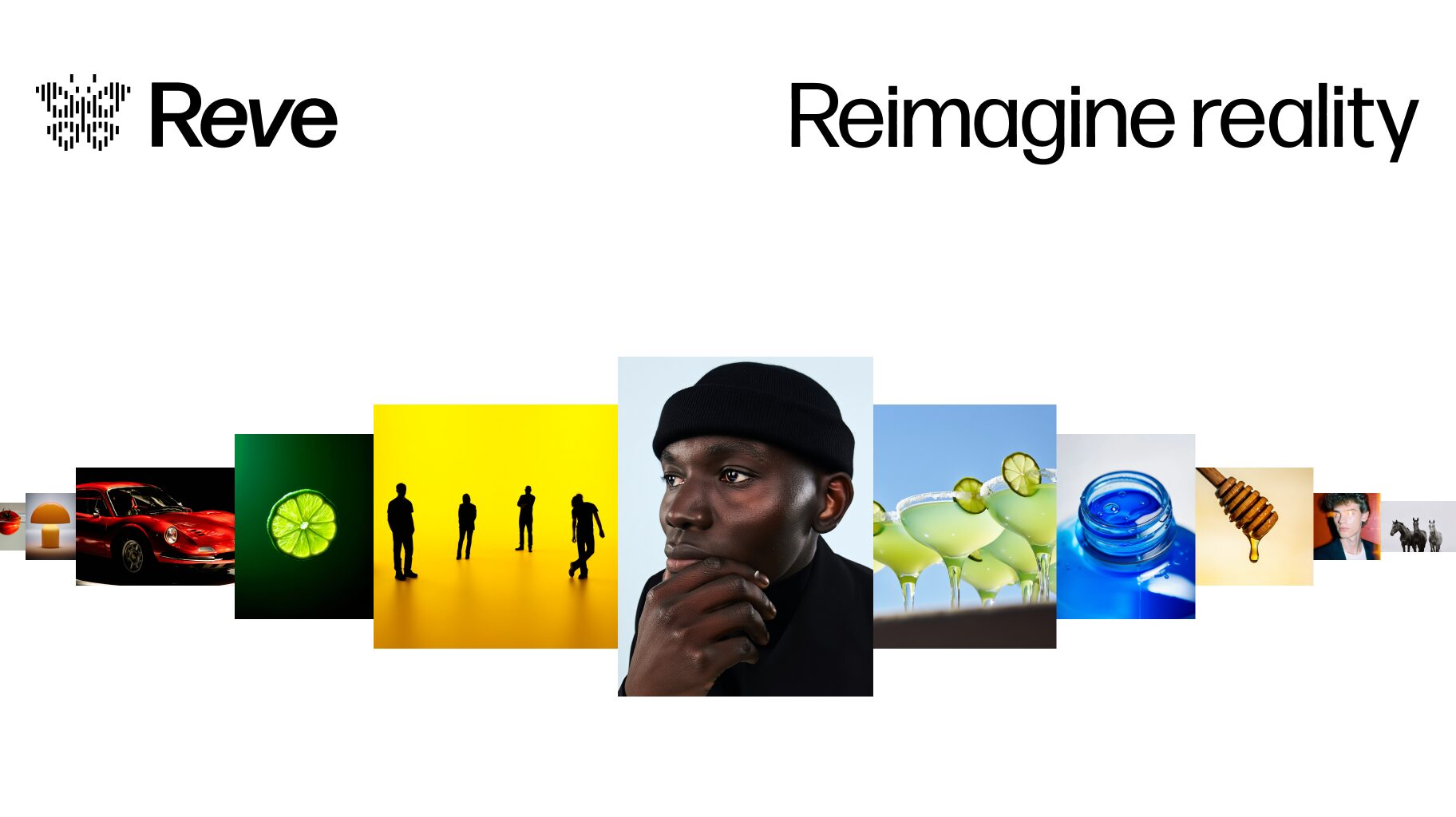
Reve: A Fresh Take on AI Image Creation

Reve takes a different approach to the usual AI image generators. – instead of chasing photorealism or technical perfection, it says that it focuses on personality and storytelling.

Supposedly, what’s interesting about Reve is how it handles creative prompts. It claims that the outputs feel more like illustrations from a story rather than standard AI renders (I’m not sure what that means). There are a lot of YouTubers raving about it and saying that it’s the next step up from Nano Banana and SeeDream 4.0, but we’ll see.

The tool does seem designed with accessibility in mind. It’s not trying to compete on raw power or feature count, but rather on being genuinely useful for everyday creative work. For educators, hobbyists, or anyone doing content creation, it claims to offer a nice alternative to the more technical-focused options out there. I haven’t had time to personally test it yet, but I will.

AI Brainstorming with MixBoard

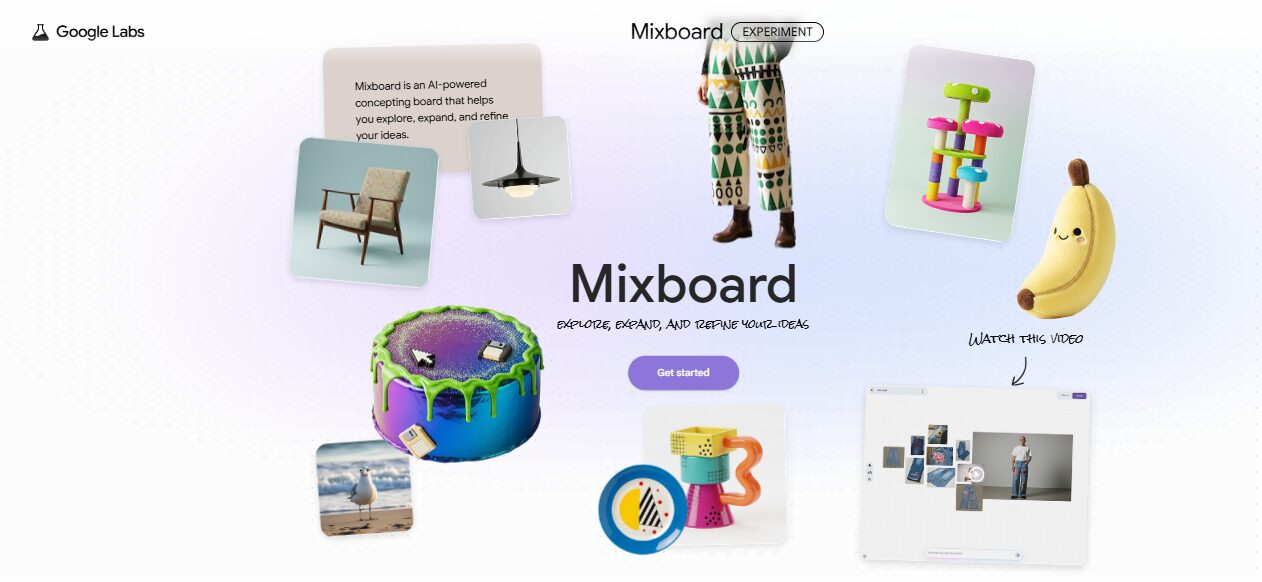
Google’s MixBoard feels like a creative playground for visual thinkers. Instead of typing out long prompts or switching between tools, you can throw ideas onto one space and instantly see them come to life through 15 images that you define. You can drag, resize, and remix these visuals to explore new directions quickly, making brainstorming feel more like play than work. It’s especially handy for anyone who needs a burst of inspiration or wants to visualize ideas without getting stuck on design details.

You can mix your own photos with generated ones, or even test how your logo looks across different items in seconds. It brings a hands-on, collaborative twist to creative thinking – perfect for artists, content creators, or anyone who loves experimenting with visuals. I gave a demonstration of MixBoard in my seminar of October 8th.

AI Video Magic: Meet Sora 2

Sora 2 from OpenAI has taken social media and the internet by storm, and with good reason. You can type out a simple idea and see it unfold into a full video, complete with scenes, and sound. It adds life to your words in a way that feels natural and effortless, letting creators explore storytelling without needing editing skills or expensive tools.

What makes Sora 2 unique is its depth and range. It doesn’t just make short clips; it crafts longer, smoother, and more detailed scenes with music and voices that match perfectly. Plus, it’s easy to try on your phone or browser. For anyone curious about creative video-making, Sora 2 makes the process simple, fun, and very personal. You can even put yourself into the videos you create very easily.

Easy Web Design with Stitch

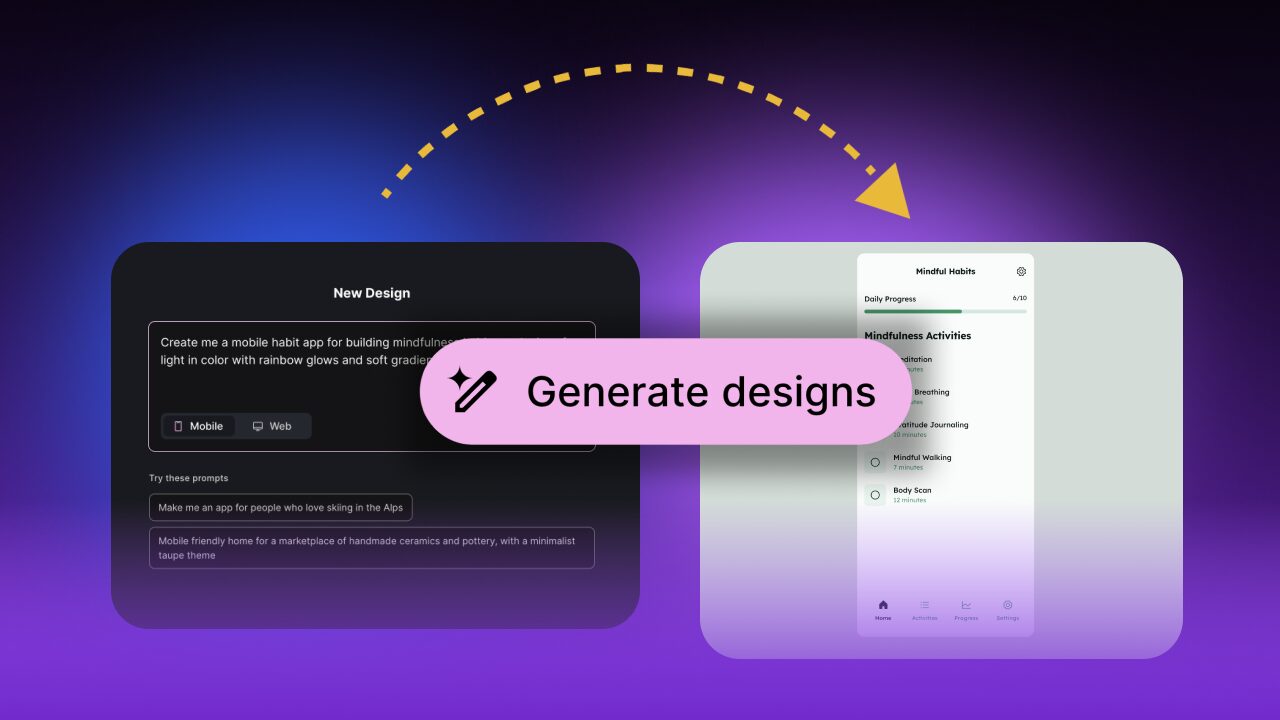
Google’s Stitch offers a different way to design app and website layouts without the usual confusion that comes with creative tools. It lets you describe what you want to build and instantly turns your ideas into visual designs. You can play around with colors, fonts, and layouts until your vision feels right, and it can create multiple variations making the process enjoyable instead of overwhelming. It’s like having a friendly design assistant that listens and brings your ideas to life step by step.

What makes Stitch different from other tools is how it gives you a visual canvas to work on and then it also provides the working code, as well as the images, behind your design, ready to use in vibe-coding apps like Lovable or Replit or Mocha.. For creators who just want to make something beautiful and functional, Stitch keeps things simple and fun. I gave a demonstration of Stitch in my seminar of October 8th.

Kimi: The Creative Builder from Moonshot AI

Kimi, the new assistant from Moonshot AI, is designed to make building complex digital projects feel simple. It can take a short prompt and turn it into a full website, mobile design, or presentation without needing long instructions. Instead of just following commands, Kimi understands ideas and shapes them into practical, editable results, even handling huge amounts of data with ease.

Kimi has a strong ability to think creatively, adding details and structure that feel surprisingly human. While most AI tools follow directions closely, Kimi builds on them, often suggesting clever design touches or layouts that the user might not have imagined. It feels more like collaborating with a creative partner than using a tool. I gave a demonstration of Kimi in my seminar of October 8th.

Simple App Building with Mocha

Mocha brings a refreshing simplicity to app creation for everyday users. It lets anyone build complete apps with just a short sentence, handling both the front and back ends automatically. There is no setup stress or need to connect complex data systems because everything is built in. Users can focus on their ideas instead of the tech details, making the whole experience smoother and more creative.

Many tools charge for failed attempts, but Mocha does not. Instead, it focuses on fixing issues instantly, which it usually manages to do. I gave a demonstration of Mocha in my seminar of October 8th.