OpenAI’s New Tool “Operator”

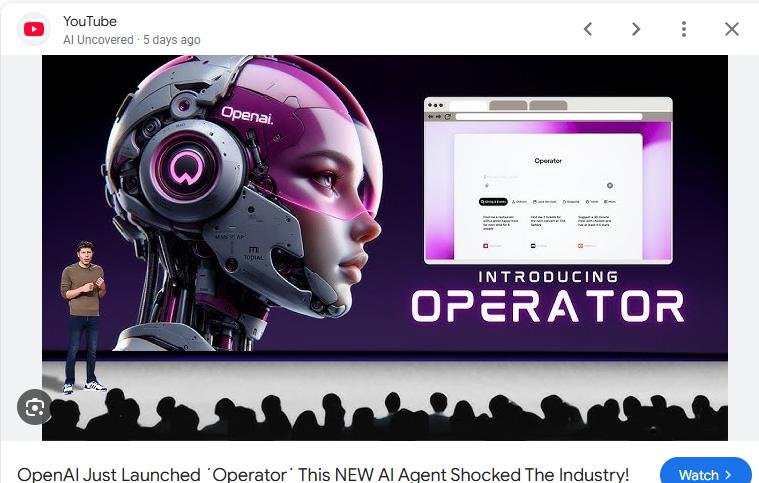
OpenAI has introduced a tool called “Operator”, aimed at helping with everyday tasks like planning trips, booking reservations, and ordering groceries. With a few prompts, users can delegate these small but time-consuming chores.

Right now, Operator is only available to Pro users in the U.S., but OpenAI has plans to expand access over time. As it rolls out to more people, it could become a useful way to streamline routine tasks and free up time for other priorities.

This release is part of OpenAI’s broader effort to develop AI tools that fit into daily life.

Read more: https://www.yenisafak.com/en/news/openai-announces-new-artificial-intelligence-tool-3697594
Relevance AI: Building AI Teams That Work for You

Relevance AI is designed to help businesses create and manage AI-powered agents that handle repetitive tasks, making workflows smoother and more efficient. Instead of relying on multiple tools, users can build their own AI workforce—customized to fit sales, marketing, customer support, and other business functions. The platform offers pre-built templates and integrations, allowing users to get started quickly without needing technical expertise.

With Relevance AI, businesses can automate processes like lead nurturing, content creation, and customer inquiries, helping teams focus on higher-value work. The platform also prioritizes security and compliance, ensuring that AI agents work safely within organizations. Learn more at Relevance AI.

Manus: A Step Toward AI Autonomy

A new AI tool called Manus is making waves with its ability to handle real-world tasks on its own. In a recent demo, it was shown screening resumes, conducting property research, and even working on freelance platforms like Upwork and Fiverr. Unlike traditional AI assistants that require user guidance, Manus operates independently, navigating websites, writing code, and generating visuals within its own virtual environment.

While details on its full capabilities are still emerging, early reports suggest it has outperformed major AI assistants in specific benchmarks. For now, Manus is available on an invite-only basis, but its developers have announced plans to open-source its underlying models later this year. Learn more at Manus.im

Claude 4: A New Chapter in AI Assistance

Anthropic has introduced Claude 4, featuring two new models: Claude Opus 4 and Claude Sonnet 4. These models which can code, reason, and support agentic capabilities better than ever before, are designed to handle complex tasks and offer improved performance in various applications. Claude Opus 4 is tailored for more demanding tasks, while Claude Sonnet 4 serves as a versatile option for everyday use.

A notable feature of these models is their ability to switch between quick responses and more in-depth, step-by-step reasoning. This flexibility allows users to choose how they interact with the AI based on their specific needs. These new AI agents should unlock new opportunities for people to optimize how they work, develop products, and even build their own startups.For more details, you can visit Anthropic’s official announcement: Introducing Claude 4.

Claude Connections: Bridging Your Everyday Apps

Claude’s new Connections feature lets you link popular tools like Notion, Canva, Stripe, Figma, Slack, and Google Drive directly to the AI chat, without needing any setup skills. This means Claude can access your notes, designs, or project files instantly, making it easier to summarize, repurpose, or build on them—all from a single chat window.

Unlike other assistants embedded only in their native apps, Claude’s strength is in pulling information from your setup, no copy‑pasting or repeated context needed. It’s a friendly, efficient way to get things done faster. For anyone wanting AI to work with what they already do, Claude Connections can feel like a helpful sidekick—just one click and it’s ready to go.

ChatGPT Agent: Your New Digital Sidekick

ChatGPT Agent: Your New Digital Sidekick

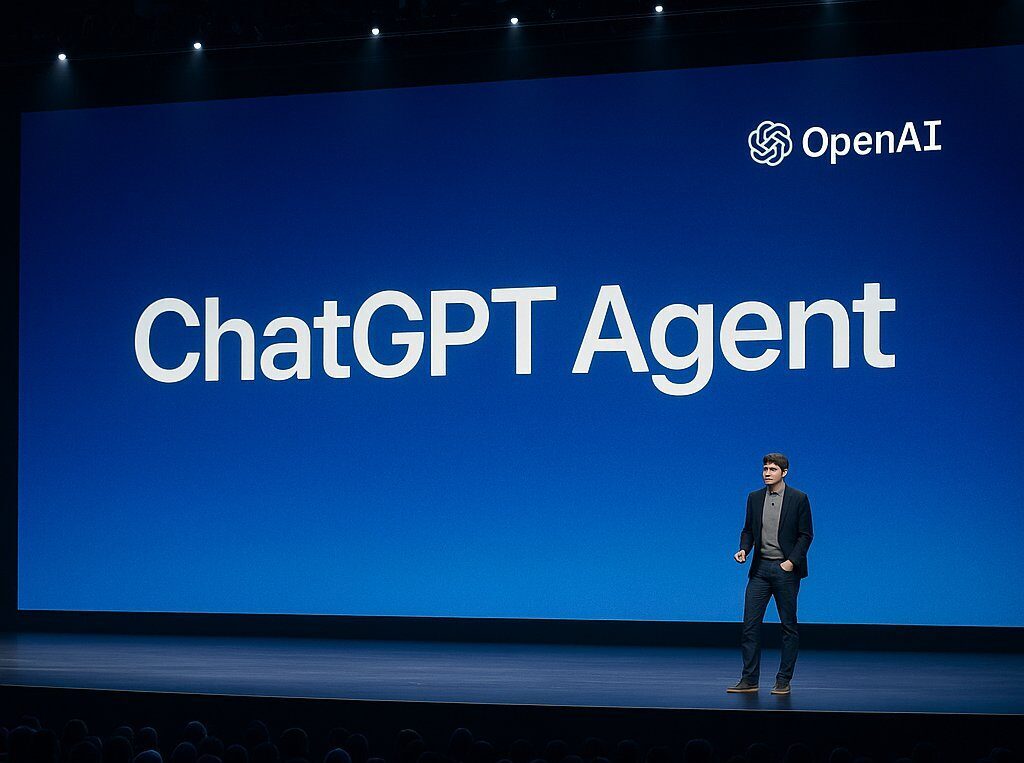
The freshly released ChatGPT Agent blends tools like Operator and Deep Research into one friendly helper that not only chats with you but also acts on your requests. It can browse websites, manage your calendar, draft slideshows, pull data into spreadsheets, and even plan events, all right in your ChatGPT window. Unlike past versions that just suggested actions, this agent actually steps in to do them, while still checking with you before doing anything important 

What really sets it apart is how it remembers where it left off, asks for clarity when needed, and lets you guide or pause the process anytime. It’s still early days, and it’s not without teething bugs, and you’ll need a Pro, Plus, or Team plan to try it out, but it’s a promising move on the way toward making AI a real action partner, not just a conversational tool.

Meet Opal — Google’s No-Code AI Mini‑App Builder

Opal is a new experimental tool from Google Labs that helps anyone create simple AI-enabled mini-apps using plain English, no coding needed. Just describe what you want your app to do, and Opal visualizes the steps, like input, functions, and output, in a clean, drag‑and‑drop workflow. It’s especially friendly to beginners and community creators looking for a fun way to test ideas quickly.What makes Opal stand out right now is its focus on chaining together prompts and AI model calls into shareable mini-apps, rather than building full-scale apps. Compared to other tools, Opal leans into the “vibe‑coding” trend, where what matters most is describing your intent, not knowing syntax. Learn more.

Agent 3: A Helpful App Builder That Keeps Improving

Replit’s Agent 3 feels like a friendly teammate that quietly gets work done for you. Give it simple instructions and it can run on its own for long stretches, test and fix its own code, and show progress in real time so theoretically you spend less time babysitting projects. 

What makes this one stand out is the mix of long, uninterrupted runs and built in self testing plus the ability to spawn small automations you can hook into tools like Slack or email. Many recent updates from other platforms focus on agent building blocks or browser integrations, but according to its promo, Agent 3 packages long autonomy, ongoing self improvement, and easy automations in a simple, approachable way. But I’ve seen mixed reviews. Some saying it takes way longer and fails too often, and some saying it’s the most marvelous thing ever. I’ll be testing it soon.

Easy Web Design with Stitch

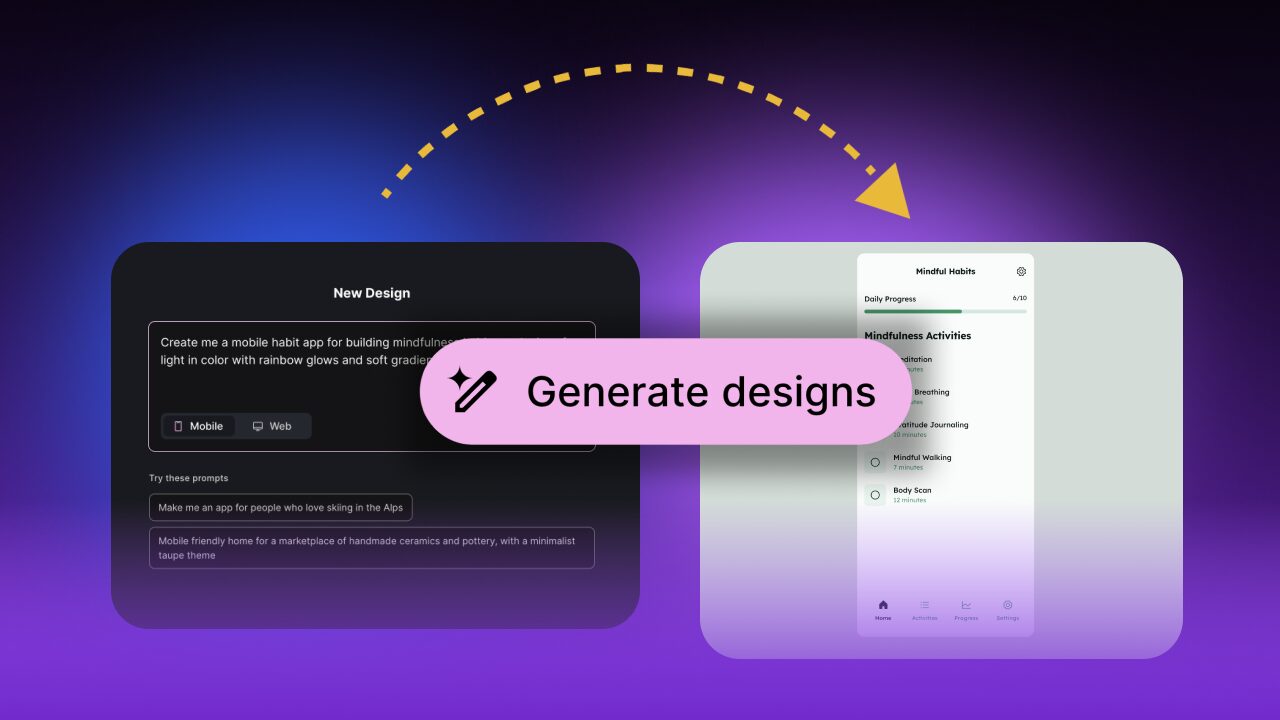
Google’s Stitch offers a different way to design app and website layouts without the usual confusion that comes with creative tools. It lets you describe what you want to build and instantly turns your ideas into visual designs. You can play around with colors, fonts, and layouts until your vision feels right, and it can create multiple variations making the process enjoyable instead of overwhelming. It’s like having a friendly design assistant that listens and brings your ideas to life step by step.

What makes Stitch different from other tools is how it gives you a visual canvas to work on and then it also provides the working code, as well as the images, behind your design, ready to use in vibe-coding apps like Lovable or Replit or Mocha.. For creators who just want to make something beautiful and functional, Stitch keeps things simple and fun. I gave a demonstration of Stitch in my seminar of October 8th.

Kimi: The Creative Builder from Moonshot AI

Kimi, the new assistant from Moonshot AI, is designed to make building complex digital projects feel simple. It can take a short prompt and turn it into a full website, mobile design, or presentation without needing long instructions. Instead of just following commands, Kimi understands ideas and shapes them into practical, editable results, even handling huge amounts of data with ease.

Kimi has a strong ability to think creatively, adding details and structure that feel surprisingly human. While most AI tools follow directions closely, Kimi builds on them, often suggesting clever design touches or layouts that the user might not have imagined. It feels more like collaborating with a creative partner than using a tool. I gave a demonstration of Kimi in my seminar of October 8th.