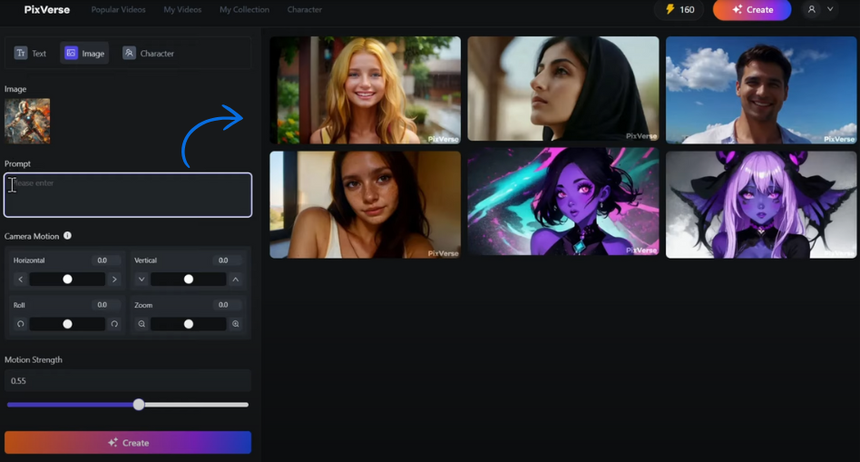
PixVerse V3: Explore New Creative Frontiers

PixVerse has recently released a significant update, Version 3, with a focus on enhancing the user experience. This new version aims to better understand and translate your creative visions into captivating videos.

Additionally, explore effects like “Zombie Mode” and “Alive Art” to add a touch of the unexpected to your creations.

Version 3 also introduces new features like Lipsync, which allows characters to seamlessly match spoken words, and Extend, which enables you to easily build upon existing video clips. Learn more here.

Smart Write by Neo

PixVerse has recently released a significant update, Version 3, with a focus on enhancing the user experience. This new version aims to better understand and translate your creative visions into captivating videos.

Additionally, explore effects like “Zombie Mode” and “Alive Art” to add a touch of the unexpected to your creations.

Version 3 also introduces new features like Lipsync, which allows characters to seamlessly match spoken words, and Extend, which enables you to easily build upon existing video clips. Learn more here.
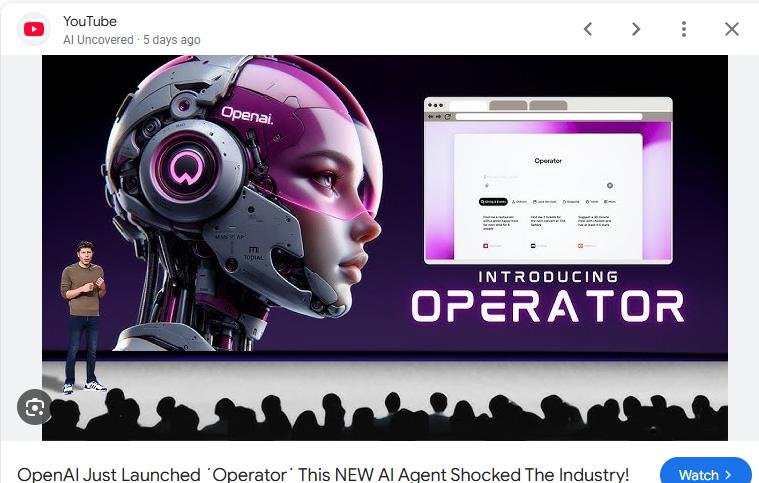
OpenAI’s New Tool “Operator”

OpenAI has introduced a tool called “Operator”, aimed at helping with everyday tasks like planning trips, booking reservations, and ordering groceries. With a few prompts, users can delegate these small but time-consuming chores.

Right now, Operator is only available to Pro users in the U.S., but OpenAI has plans to expand access over time. As it rolls out to more people, it could become a useful way to streamline routine tasks and free up time for other priorities.

This release is part of OpenAI’s broader effort to develop AI tools that fit into daily life.

Read more: https://www.yenisafak.com/en/news/openai-announces-new-artificial-intelligence-tool-3697594

Gemini + YouTube Integration

Gemini can now help you learn from YouTube videos more effectively. By pasting a YouTube video link into Gemini, you can ask it to create a step-by-step guide or summary. This can be helpful when learning a new skill or trying to understand a complex topic.

You can use this feature in Google Chrome by typing “@ Gemini” in the address bar and starting a chat. This can be a useful tool for anyone who wants to learn from video content in a more interactive and efficient way.

Skyrocket Your Ideas with SkyReels.ai

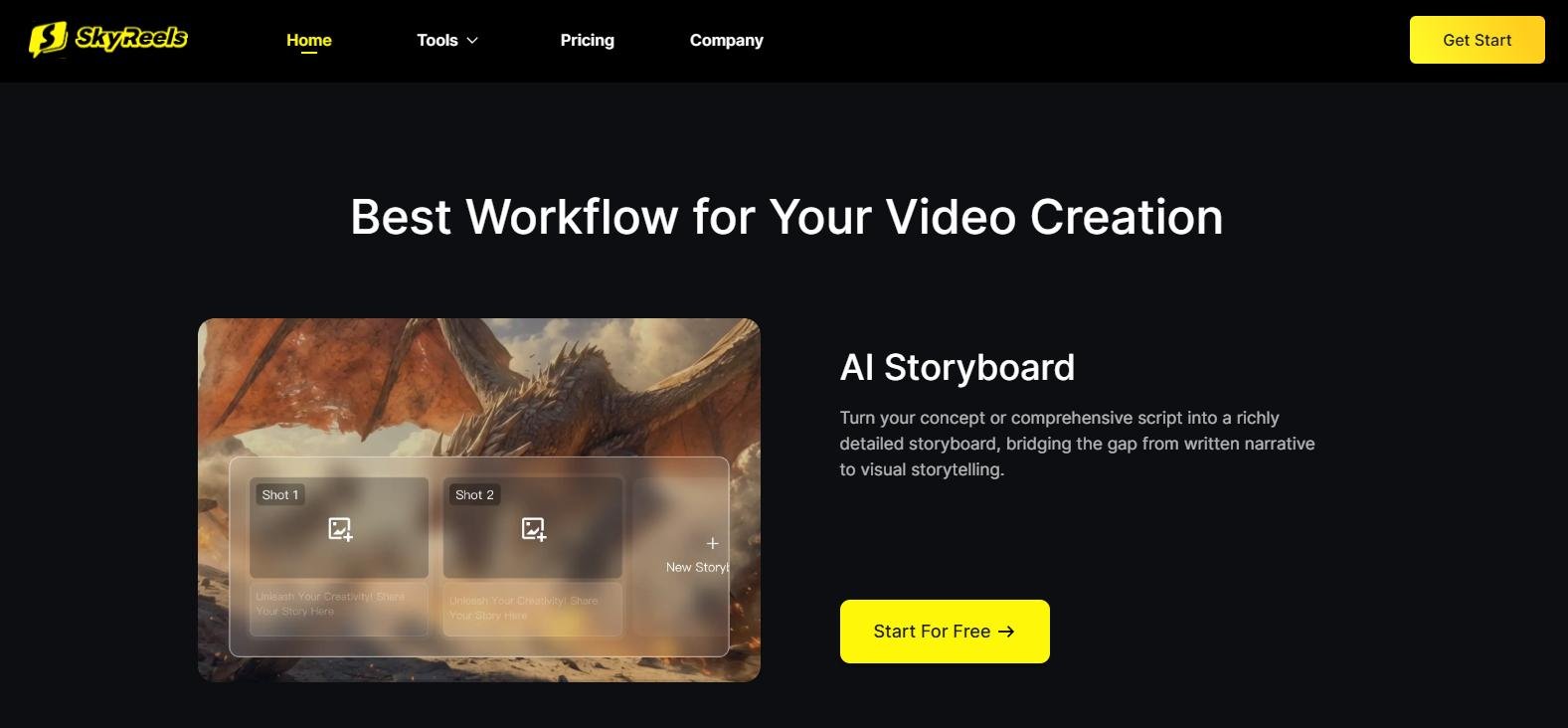
SkyReels.ai is a creative tool designed to help you brainstorm and develop ideas for video content. Simply type in your concept or upload a clip, and it can suggest storylines, script ideas, and visuals to bring your project to life.

Whether you’re working on social media content, exploring a creative idea, or stuck in a brainstorming rut, SkyReels.ai offers a way to spark inspiration and move your project forward. It’s a straightforward, helpful tool for turning ideas into something more. Check it out here.

Captions.ai: Transform Your Videos with AI Magic

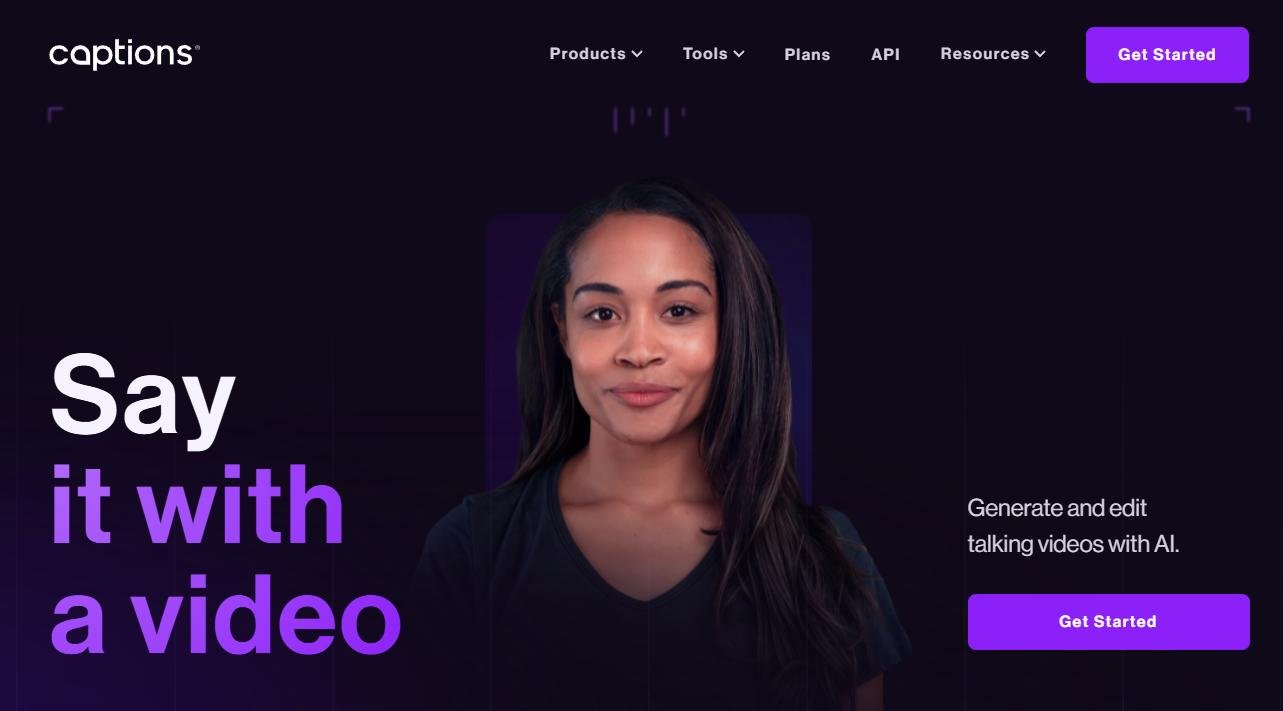
Editing videos can be time-consuming and complex, but tools like Captions.ai aim to make it easier. Upload your footage, select an editing style, and the platform can help you add captions, transitions, and background music.

Whether you’re sharing stories, building a brand, or creating social media content, Captions.ai provides features designed to streamline the process, even for beginners.

Captions.ai could be the perfect tool for anyone who wants to take their video editing to the next level.

Krea AI’s New Feature: Transforming Your 2D Images into 3D Creations

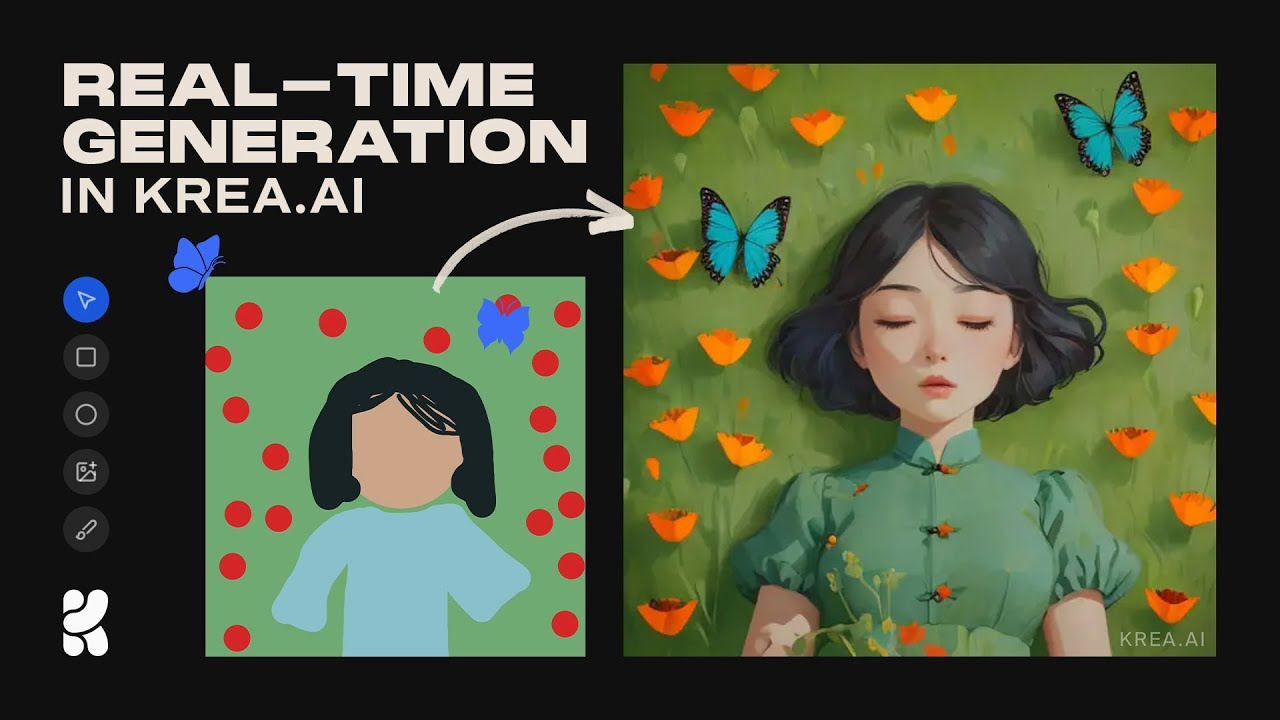
Krea AI has introduced an exciting feature that allows users to convert their flat, 2D images into dynamic 3D models. By simply uploading a picture, you can watch it come to life with added depth and perspective, making your visuals more engaging and interactive.

This tool is designed to be user-friendly, requiring no prior experience in design or 3D modeling. Whether you’re looking to enhance your digital art, create captivating social media content, or explore new creative avenues, Krea AI’s 2D-to-3D conversion offers a straightforward way to add a new dimension to your projects.

Learn more here: seaart.ai

Kling AI’s ‘Elements’: Bringing Your Stories to Life

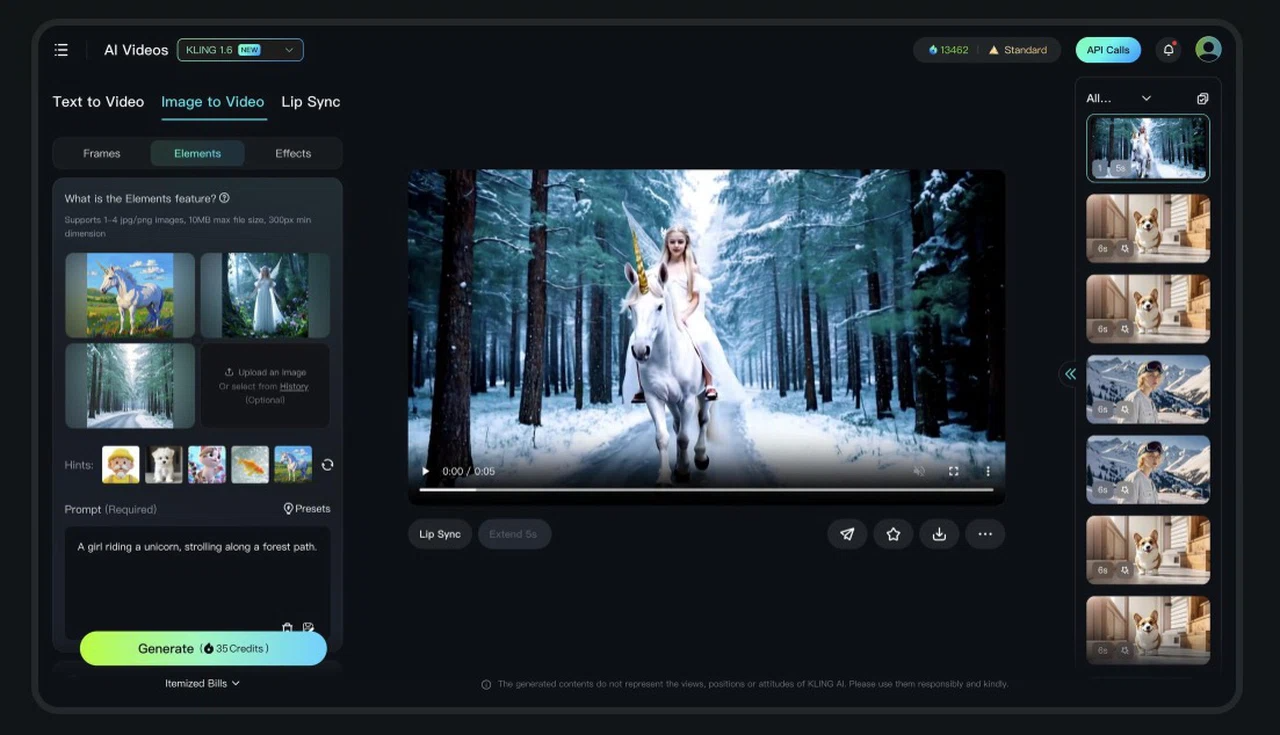
Kling AI has recently introduced a new feature called ‘Elements’ that makes creating consistent and engaging videos easier than ever. With ‘Elements’, you can upload up to four images—such as characters, objects, or backgrounds—and the tool will help you weave them into a smooth animation. This means your characters and scenes stay consistent throughout the video, making your storytelling more coherent and visually appealing.

If you’re crafting a short story, an educational clip, or just experimenting with creative ideas, ‘Elements’ offers a straightforward way to bring your concepts to life. By allowing multiple images to interact seamlessly, it opens up new possibilities for dynamic and engaging content creation. It’s a user-friendly approach to making your videos more lively and connected, helping you share your ideas in a more compelling way. Learn more here.

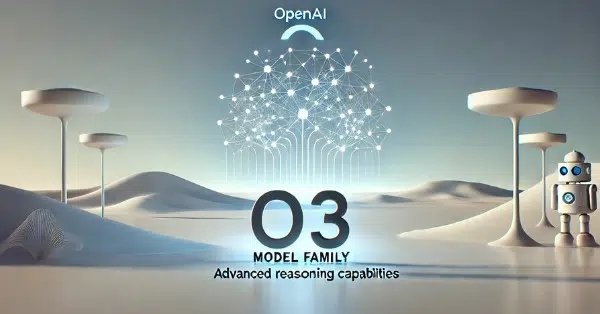
OpenAI Introduces o3-mini: Making Advanced AI More Accessible

OpenAI has unveiled o3-mini, a new AI model designed to make advanced reasoning tasks more accessible to everyone. This model is now available to all ChatGPT users, including those on the free tier, marking the first time free users can experience such capabilities. For those on paid plans, o3-mini offers increased usage limits, allowing up to 150 messages daily.

One of the standout features of o3-mini is its efficiency. It excels in areas like math and coding, delivering responses 24% faster than previous models. Additionally, it operates at a significantly reduced cost, being 63% less expensive to run than its predecessor. This efficiency doesn’t come at the expense of performance; o3-mini matches or even surpasses earlier models in technical tasks. Developers also have the flexibility to adjust the ‘reasoning effort’ to balance speed and accuracy according to their needs. Read more here.

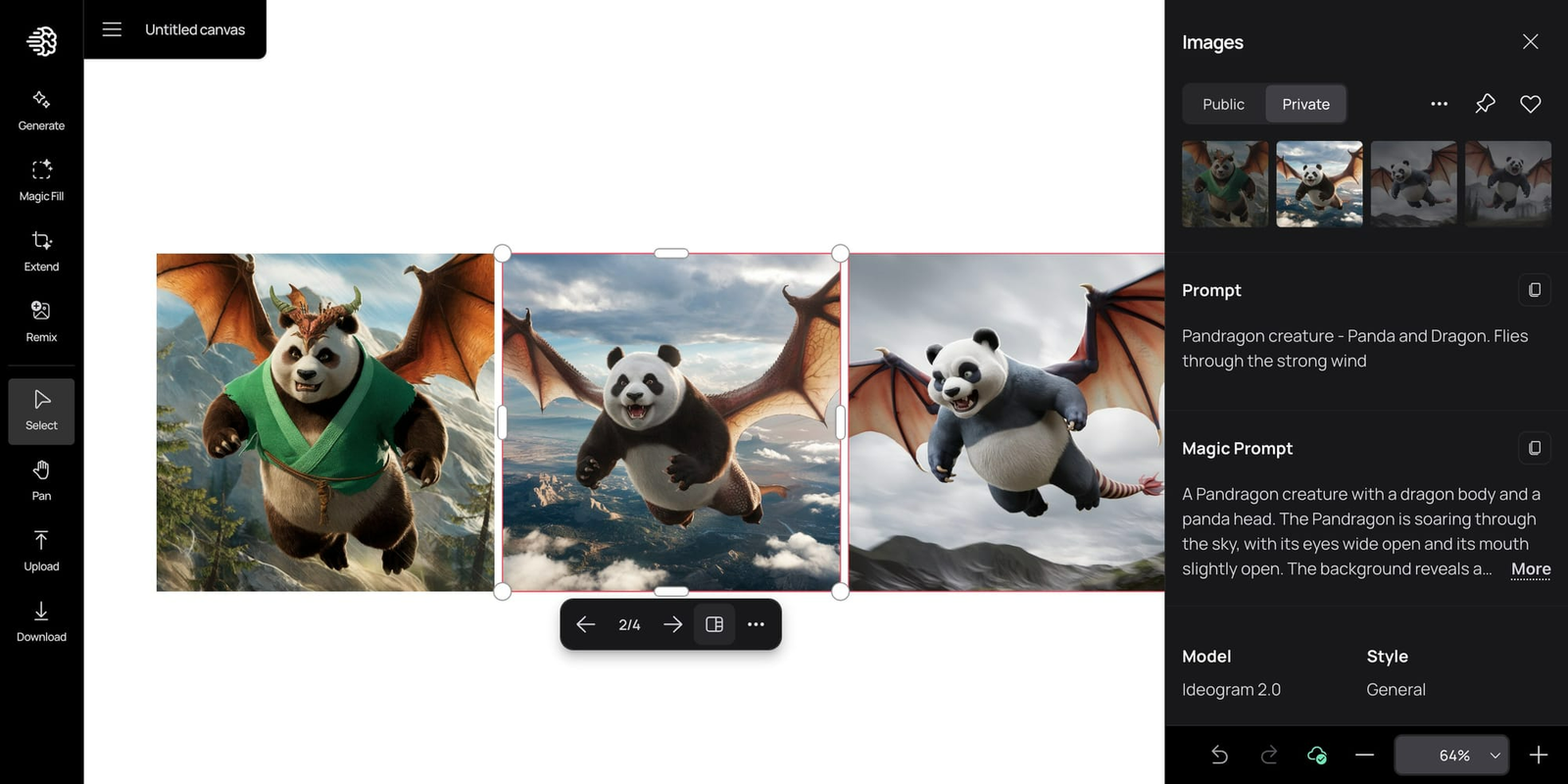
Ideogram Canvas: A New Way to Create and Edit AI-Generated Images

Last year Ideogram introduced Canvas, a creative workspace that allows users to organize, generate, and refine images seamlessly. With features like Magic Fill and Extend, users can edit specific areas of an image or expand its borders while maintaining a cohesive look. Whether you’re tweaking details or blending multiple images, Canvas offers a flexible and user-friendly approach to AI-powered design. To explore more, visit Ideogram Canvas.

Now they have added a very powerful text editor which you can read about and see a video about here.