HeyGen’s new AI Studio update brings a refreshing twist to AI video creation by giving users more creative say in how their avatars talk and move. What makes this different from other tools out there right now is the focus on expression — not just lip-syncing or voice swaps. With natural-language commands like “make this part sound excited,” creators can adjust tone and delivery in a more intuitive way.What really stands out is the ability to mirror real speech patterns and even hand gestures. Instead of stiff, generic movements, you can upload your own speaking style or gestures, and the avatar picks up on your personal quirks. It’s a small but meaningful leap toward making digital avatars feel less like bots — and more like you. Read more on HeyGen’s blog
Author: Tanz1728
Whisk Animate: Breathing Life into Your Images
Google Labs’ Whisk Animate offers a fresh approach to animation by transforming static images into brief, dynamic clips. Unlike traditional tools that rely heavily on text prompts, Whisk Animate allows users to upload images representing subjects, scenes, and styles, which are then combined to create unique visuals. This method simplifies the creative process, making it more accessible for those who prefer visual inputs over textual descriptions. What sets Whisk Animate apart is its integration with Veo 2, enabling the generation of eight-second animations from the created images. This feature is particularly useful for creators looking to quickly prototype ideas or add motion to their visuals without delving into complex animation software. While still in its experimental phase, Whisk Animate provides a user-friendly platform for exploring the intersection of static imagery and motion. Learn more
Flux Kontext: A New Way to Edit Images with Words
Flux Kontext is a new AI tool that lets you edit images using simple text instructions. Unlike other tools that require complex prompts or manual editing, Flux Kontext allows you to make specific changes—like altering colors, modifying text, or adjusting objects, while keeping the rest of the image intact. This makes it easier for everyday users to tweak images without needing advanced skills. What sets Flux Kontext apart is its ability to understand both the image and your instructions, enabling precise edits and maintaining consistency across multiple changes. Whether you’re updating a product photo or creating a series of images with the same character, Flux Kontext helps you achieve your goals with less effort. You can try it out through platforms like Flux AI Studio and BFL AI.
Turn Old Clips Into New Worlds with Luma’s Modify Video
Luma Labs has quietly rolled out its “Modify Video” tool within Dream Machine, letting you take a single video clip, no green screen or fancy equipment needed, and refresh the entire scene around it. What makes it different from other video tools is that it keeps the original movement and framing intact, while letting you tweak everything else from wardrobe and lighting to entire backgrounds and styles .The friendly interface offers three modes—Subtle, Balanced, and Freeform, so creators can choose how much transformation they want. Being able to reuse authentic performance and effortlessly edit scenes makes this feature stand out, especially for those wanting quick and creative updates without re‑filming. It’s a real time-saver and playground for anyone exploring visual ideas.
Automate Your Browser with Just Words
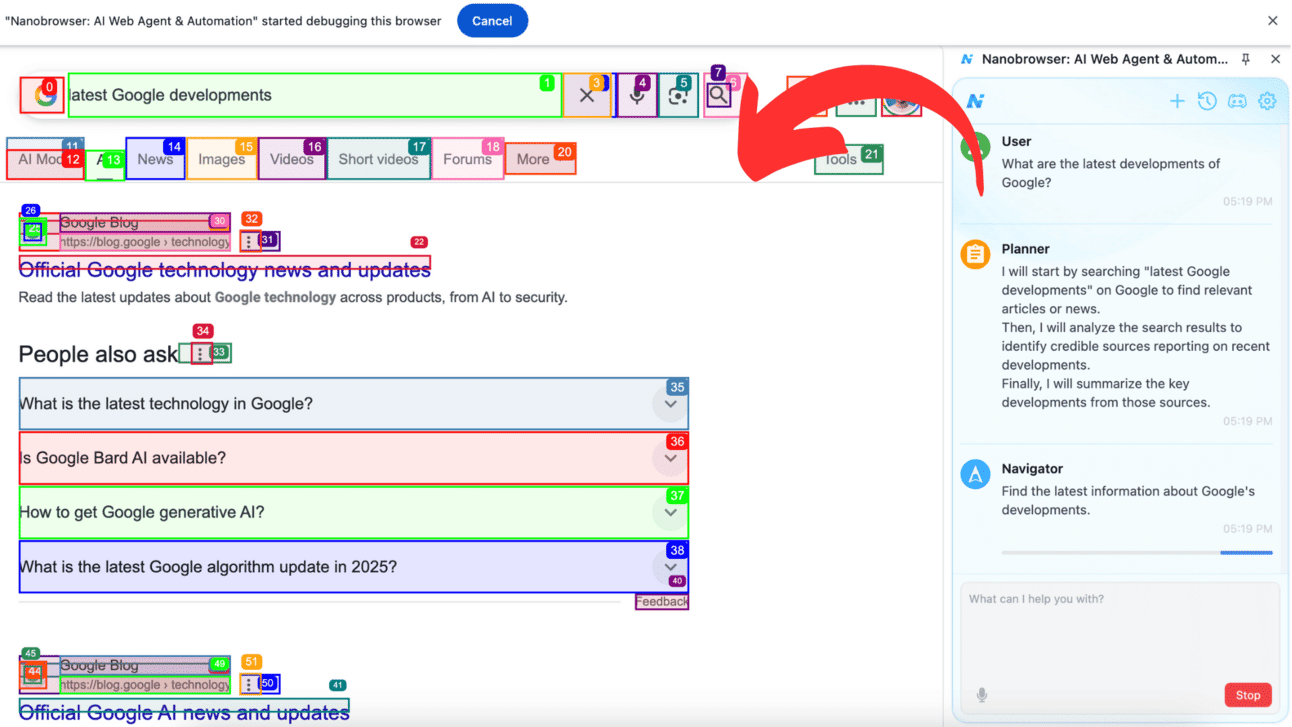
Nanobrowser is a user-friendly Chrome extension that teams up with Google’s Gemini AI to help you automate everyday browser tasks using natural language. After installing the extension and connecting your Gemini API key, you can give simple prompts like “Find the latest releases by Company X and summarize the key features.” It’s like having a personal assistant guiding your browser, all within familiar tabs and pages.
What makes Nanobrowser stand out is its quiet efficiency: it works with your existing browser sessions and supports multi-step automation—from planning to navigation to validation. This setup means you can manage social media, gather business research, or track competitors without ever switching tools . It’s a helpful bridge between casual browsing and smarter workflows for anyone who wants to automate using their browser.
Lovart: A Fresh Take on Visual Design Tools
Lovart is a new all-in-one visual design assistant that brings together top AI design tools into one workspace. What makes it stand out is how it simplifies the creative process – from brainstorming an idea to producing polished images, videos, or 3D visuals. You can use natural language to guide the tool, making changes or edits feel more like giving instructions to a creative teammate.
Unlike many AI tools that focus on just one format, Lovart blends several design modes—image, video, and 3D—into a single workflow. It’s especially helpful for freelancers, small teams, and marketers looking to stay creative without juggling multiple platforms.
Midjourney’s First Steps into Motion
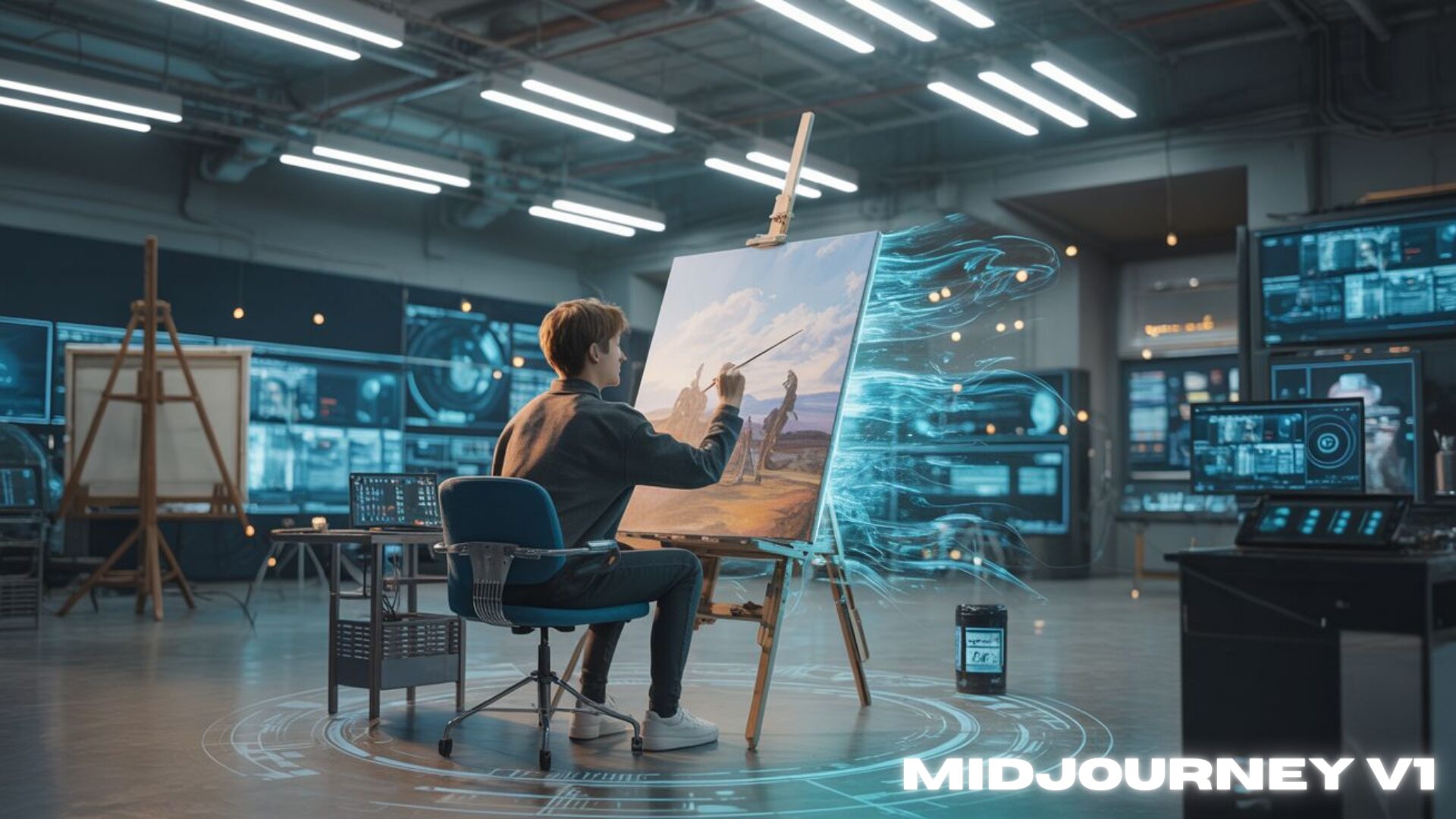
Midjourney has finally quietly entered the video space with the launch of its first video generation model, V1, and it’s taking a slightly different path than the usual players. V1 lets you animate still images into short 5-second clips—with either simple automatic motion or by describing how they want the scene to move. What makes it a little different is its commitment to maintaining that distinct “Midjourney” style even in motion, rather than copying the cinematic look of other tools.Unlike more complex video models that bundle in sound or full scenes, V1 focuses purely on visuals and keeps things minimal. It also works with images outside of Midjourney.
Explore more
Udio Sessions: Editing Music in a Familiar Way
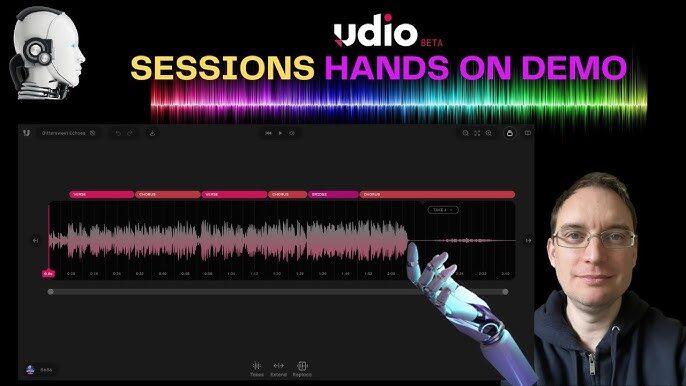
Udio Sessions brings a fresh take to AI music creation by giving you a visual timeline to play with your track’s flow – short verses, choruses, bridges, and all – just like editing a video or a song. Unlike other tools that rely on blind changes, Sessions lets you see and move parts around, extend sections, or swap or redo elements on the fly. It fits neatly into your creative rhythm, helping you fine-tune your work.What stands out about Sessions is how natural it feels to use, no complicated steps or hidden features. If you’ve ever wanted to simply repeat a part of a song or make a section longer without starting over, this makes it easy. It gives you room to experiment and adjust things as you go, making the creative process feel more hands-on and less like guesswork. Learn more
Krea 1: Bringing More Realism to Everyday Creativity
Krea 1 steps ahead by tackling that familiar “AI look” – overly smooth textures, flat lighting, and stiff compositions. In order to make images look less “AI”, it brings richer, more natural details like real-looking skin and dynamic angles, offering a variety of styles ranging from photorealistic to abstract. Unlike many tools today, it gives users a sense of control without needing deep tech know-how. On top of that, you can feed it sample images so it adapts to your personal style, making it feel more human and expressive. Alongside its creative flair, four image options show up in around eight seconds, with high-res output up to 4K for those wanting sharp visuals on their websites or portfolios . It stands out from tools like Midjourney or Stable Diffusion not by being more technical, but by feeling more approachable, no need for juggling prompts and settings. Learn more
WaveSpeed – Speed Meets Simplicity
WaveSpeed is a refreshing all-in-one creative space that lets users explore image, video, audio, and even 3D generation with ease. What sets it apart is how fast and smooth it feels – images appear in just a couple of seconds, and videos in only a few minutes. Unlike other AI tools that can sometimes feel clunky or overwhelming, WaveSpeed is designed to be light, intuitive, approachable, and way less-expensive.
Whether you’re curious about turning a photo into a short video or testing out creative edits, WaveSpeed keeps things simple. You won’t need a technical background to start, and you can jump between tools without feeling lost. It’s a great space for casual exploration or for getting quick visual results without the usual hassle.