Expressive Character Animation with Runway’s Act Two

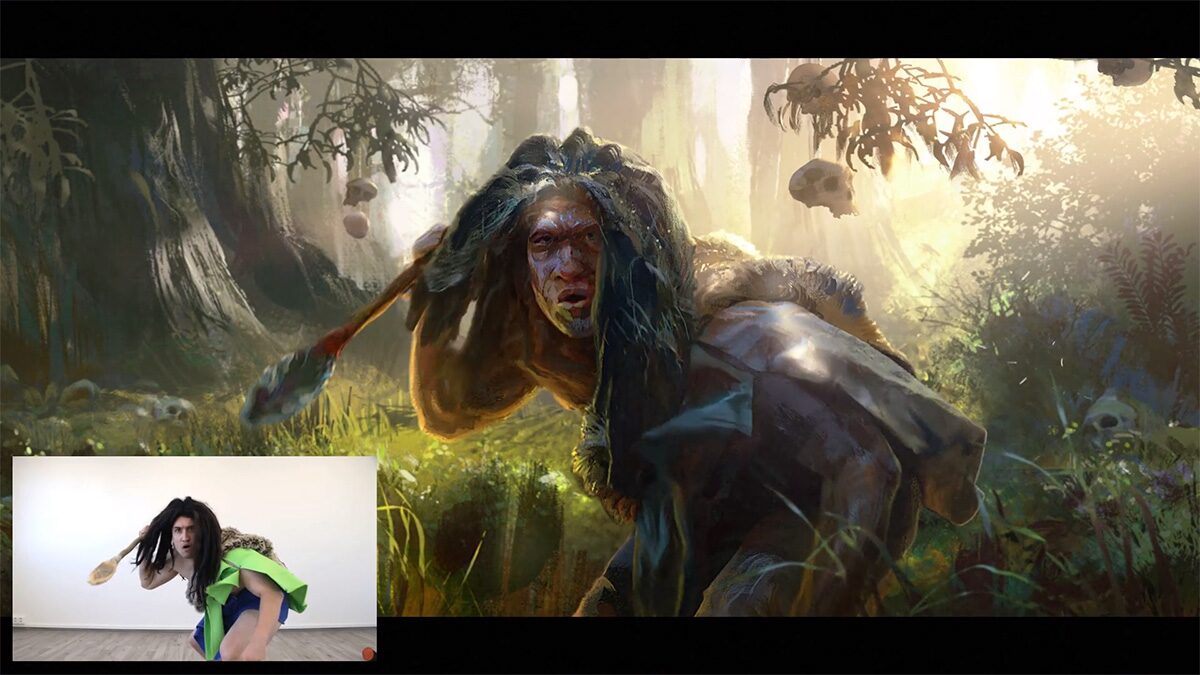
Runway’s Act Two brings a fresh way to animate by letting you drive a character’s movements using just a simple performance video and a character image or clip. No motion-capture suits needed, you can bring out facial expressions, body gestures, and subtle movements with ease, making characters feel more alive and expressive.What sets Act Two apart is how natural and consistent it feels compared to similar tools. It adds environmental motion automatically and lets you choose how expressive facial and gesture details should be. Act One was limited to capturing facial expressions and motions, but Act Two adds full-body capture. Learn more

Runway Aleph: A Friendlier Way to Tweak Video

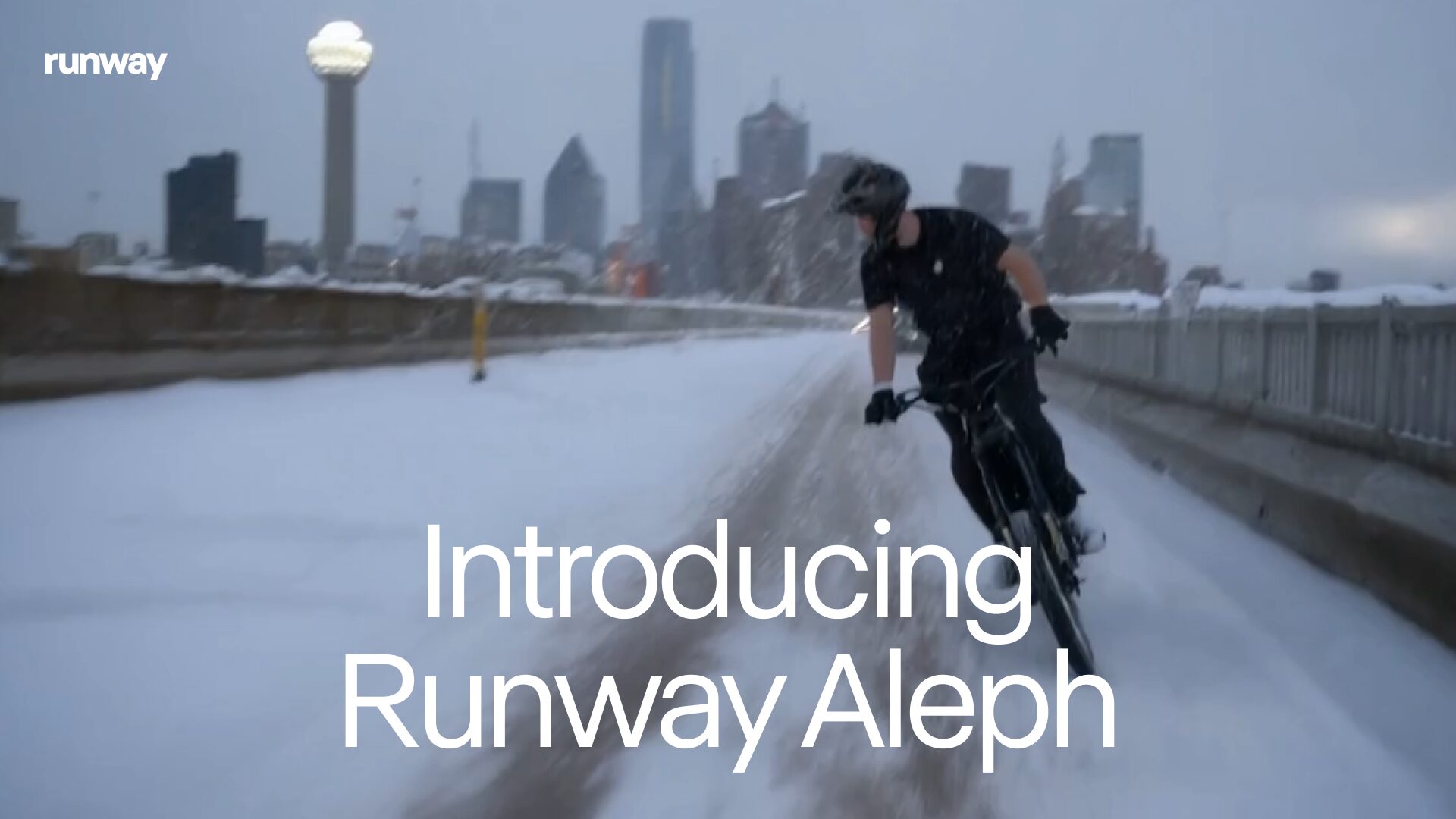
Runway has introduced Aleph, its latest video editing model, aiming to make video transformations more seamless. What sets Aleph apart is its focus on simplicity and real-time changes to your videos, ideal for those who want quick results without heavy editing skills. You can adjust and generate elements in existing videos just by describing them.

Compared to other recent tools, Aleph’s standout strength lies in enabling you to make changes to videos with simple text commands e.g. “Change the weather to snowing” or “Change the angle of the video.” or “Create the next scene.” or “Add an explosion to the building in the back.” or “Change the lighting.” or “Change the car into a horse.” It’s really fabulous!

Grok Imagine: Your AI “Vine”— Unfiltered and Fast

Grok Imagine, xAI’s newest creation launched in early August 2025, brings a playful twist to AI tools by letting you generate short, voice-prompted videos and images almost instantly which something many of us are used to using in simpler, safer ways through platforms like OpenAI’s Sora or Google’s Veo 3. Controversially, Imagine has a “Spicy” mode, letting users produce content most competitors just wouldn’t allow. Read more..

While most image/video generators build firm safety walls, Grok Imagine leans into creative freedom even generating realistic-seeming content with real-world figures. That’s sparked lively debate, especially among safety advocates concerned about misuse and deepfake risks.

Meet Heygen’s Digital Twins

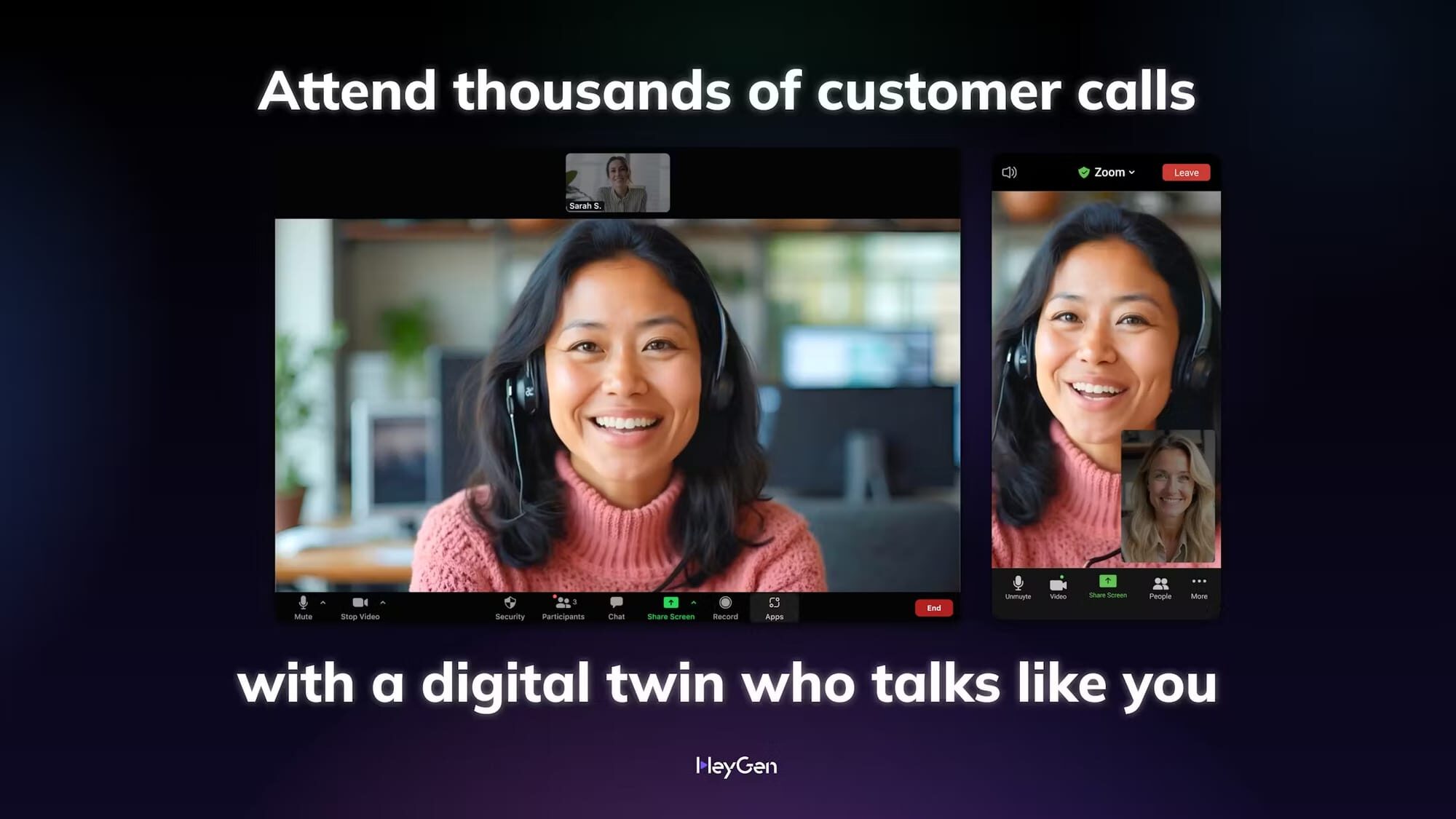
Heygen has rolled out something called “Digital Twins,” and it’s catching attention for how personal it feels compared to other AI video tools. Instead of just generating generic avatars, this feature allows you to create a digital version of yourself that looks and sounds much closer to reality. It’s designed for people who want to keep their presence in videos, whether for work, training, or creative projects, without always being in front of the camera. What makes this stand out from similar tools is how it blends familiarity and convenience. Instead of swapping your face with a stock avatar, you’re essentially creating a lifelike version of yourself that can still carry your own style and tone. It’s another step in making video production more personal, and less about having to rely on standard AI characters. Learn more.

Your Idea Turned Into Video

HeyGen Video Agent helps everyday creators turn a sentence, a document, or raw footage into a complete finished video. It drafts a short script, picks visuals that match the mood, adds clear narration, and stitches a polished edit so you do not need to wrestle with timelines or complex tools. 

What sets it apart is that it is built to handle the whole flow end to end, so a simple idea becomes a usable video with minimal tinkering. Unlike tools that add features piecemeal, this bundles script, visuals, and editing into one step, making it feel like a helpful assistant that builds the story and lets you fine tune the final cut. It’s similar to Invideo, but I haven’t had a chance to compare them yet.

One-Frame Magic

EbSynth is a friendly tool that lets you change a whole clip by painting a single frame and letting the app spread that style across the rest of the video. It gives artists hands-on control, great results for touch ups and color work, and a free plan to try it out. It claims to give Nano Banana or SeeDream style image editing, but to videos.  

What makes EbSynth feel different from the big generative suites is its simple, keyframe-driven approach. It does not rely on huge external models to imagine frames. That makes it feel predictable and artist friendly for people who want precise, craft-led edits rather than fully automatic style generation.

Ray3: A Video Model That Thinks And Polishes

Luma AI’s new Ray3 is a friendly creative video assistant that helps people turn simple ideas into short, studio-feel HDR clips. It watches its own work, points out problems, and refines results so creators spend less time fixing glitches and more time exploring concepts. 

What makes Ray3 stand out right now is the combo of that self-review ability and native support for pro HDR exports, which Luma says helps fit generated clips straight into editing workflows. Early access is rolling out in Luma’s Dream Machine and in Adobe Firefly, so everyday creators can try it inside tools they already use.

AI Video Magic: Meet Sora 2

Sora 2 from OpenAI has taken social media and the internet by storm, and with good reason. You can type out a simple idea and see it unfold into a full video, complete with scenes, and sound. It adds life to your words in a way that feels natural and effortless, letting creators explore storytelling without needing editing skills or expensive tools.

What makes Sora 2 unique is its depth and range. It doesn’t just make short clips; it crafts longer, smoother, and more detailed scenes with music and voices that match perfectly. Plus, it’s easy to try on your phone or browser. For anyone curious about creative video-making, Sora 2 makes the process simple, fun, and very personal. You can even put yourself into the videos you create very easily.

Hailuo 2.3 Makes AI Video Creation Simpler and Faster

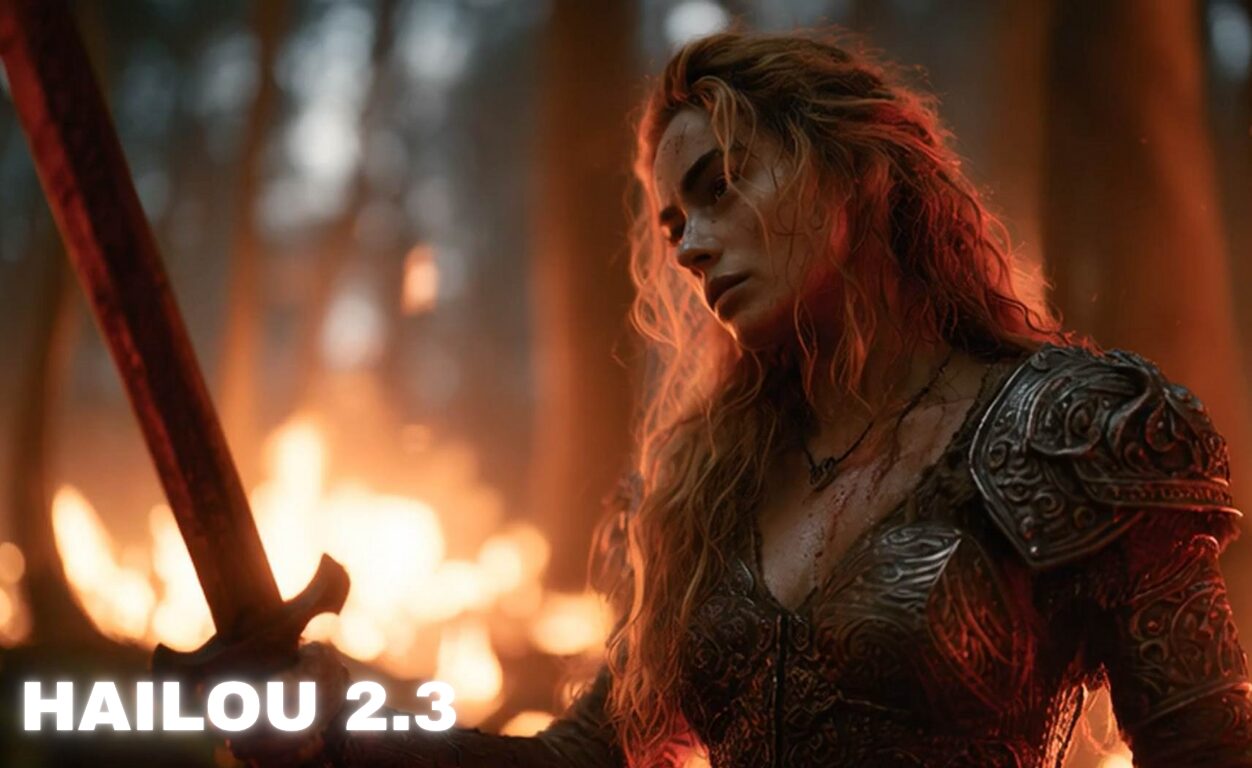
The new version of the video-creation tool from Hailuo 2.3 brings big improvements. You now get much faster rendering, capturing real facial expressions like blinks and smirks automatically, and seamless transitions when you switch styles mid-video. The update speeds things up by about 2.5 times compared with the prior version, and it creates videos up to 1080p. On top of speed and realism, the tool now allows you to change genres as you go (for example moving from action to drama) without breaking continuity in the scenes. That means less manual editing and more time for creativity. Learn more

Meet Veo 3.1: More Control, More Realism

Meet Veo 3.1: More control, more realism

The new version of Veo 3.1 arriving in Flow brings a number of useful new features. Now you can add and edit sound more easily, and with higher quality in both video and audio. You’ll also see sharper transitions, clearer visuals and scenes that feel more alive and cinematic than before. And it supports chaining muti-shot clips with transitions, up to 1 minute. What stands out is the leap in creative control. In previous versions you could make videos but had less power over editing and audio. With Veo 3.1 you’re able to insert or remove objects smoothly, guide your story with richer sound, extend clips for longer sequences, and create videos between start and end frames.
Learn more about Veo 3.1