HeyGen’s new AI Studio update brings a refreshing twist to AI video creation by giving users more creative say in how their avatars talk and move. What makes this different from other tools out there right now is the focus on expression — not just lip-syncing or voice swaps. With natural-language commands like “make this part sound excited,” creators can adjust tone and delivery in a more intuitive way.What really stands out is the ability to mirror real speech patterns and even hand gestures. Instead of stiff, generic movements, you can upload your own speaking style or gestures, and the avatar picks up on your personal quirks. It’s a small but meaningful leap toward making digital avatars feel less like bots — and more like you. Read more on HeyGen’s blog
Category: New Videos
Whisk Animate: Breathing Life into Your Images
Google Labs’ Whisk Animate offers a fresh approach to animation by transforming static images into brief, dynamic clips. Unlike traditional tools that rely heavily on text prompts, Whisk Animate allows users to upload images representing subjects, scenes, and styles, which are then combined to create unique visuals. This method simplifies the creative process, making it more accessible for those who prefer visual inputs over textual descriptions. What sets Whisk Animate apart is its integration with Veo 2, enabling the generation of eight-second animations from the created images. This feature is particularly useful for creators looking to quickly prototype ideas or add motion to their visuals without delving into complex animation software. While still in its experimental phase, Whisk Animate provides a user-friendly platform for exploring the intersection of static imagery and motion. Learn more
Turn Old Clips Into New Worlds with Luma’s Modify Video
Luma Labs has quietly rolled out its “Modify Video” tool within Dream Machine, letting you take a single video clip, no green screen or fancy equipment needed, and refresh the entire scene around it. What makes it different from other video tools is that it keeps the original movement and framing intact, while letting you tweak everything else from wardrobe and lighting to entire backgrounds and styles .The friendly interface offers three modes—Subtle, Balanced, and Freeform, so creators can choose how much transformation they want. Being able to reuse authentic performance and effortlessly edit scenes makes this feature stand out, especially for those wanting quick and creative updates without re‑filming. It’s a real time-saver and playground for anyone exploring visual ideas.
Lovart: A Fresh Take on Visual Design Tools
Lovart is a new all-in-one visual design assistant that brings together top AI design tools into one workspace. What makes it stand out is how it simplifies the creative process – from brainstorming an idea to producing polished images, videos, or 3D visuals. You can use natural language to guide the tool, making changes or edits feel more like giving instructions to a creative teammate.
Unlike many AI tools that focus on just one format, Lovart blends several design modes—image, video, and 3D—into a single workflow. It’s especially helpful for freelancers, small teams, and marketers looking to stay creative without juggling multiple platforms.
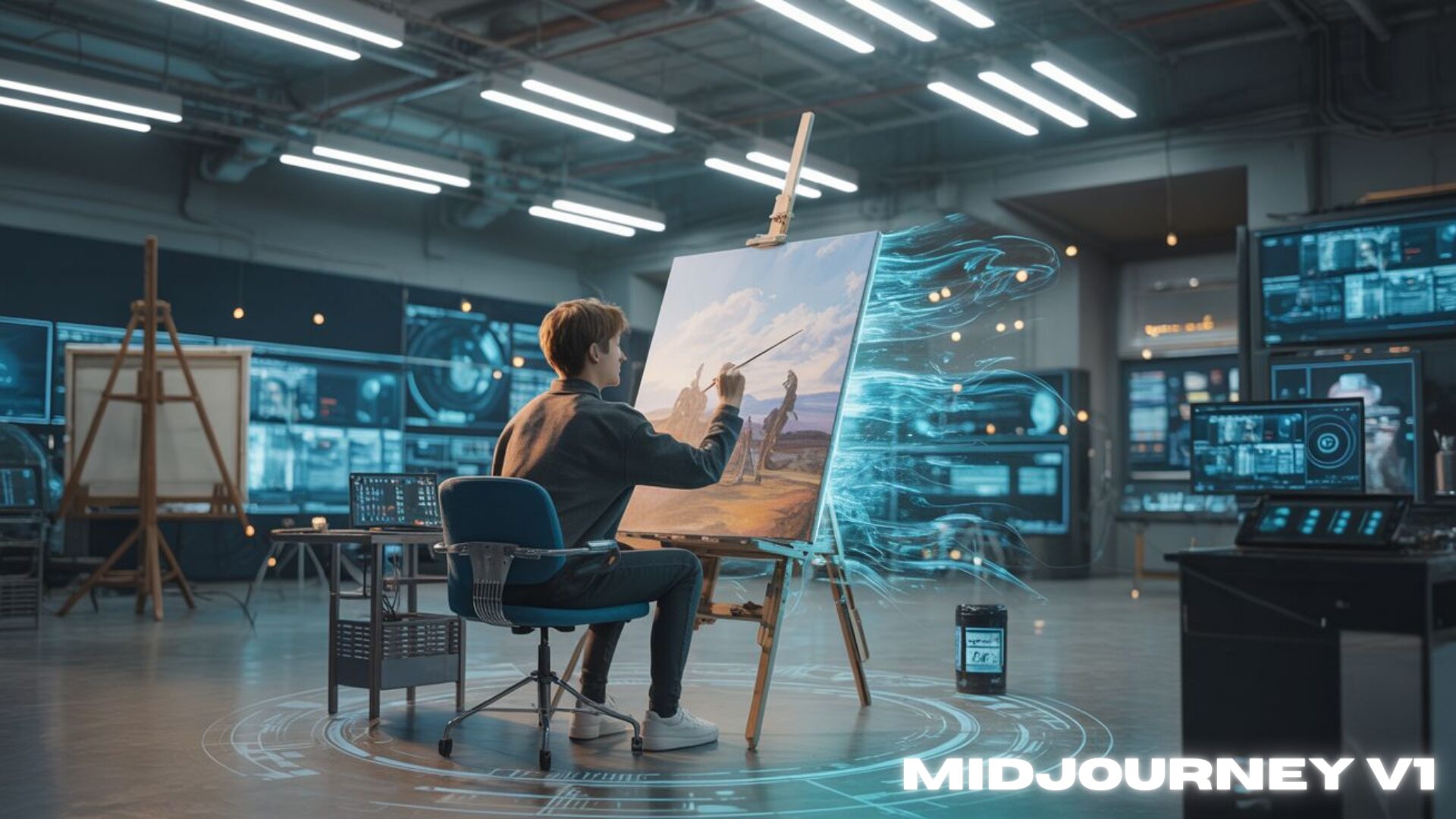
Midjourney’s First Steps into Motion
Midjourney has finally quietly entered the video space with the launch of its first video generation model, V1, and it’s taking a slightly different path than the usual players. V1 lets you animate still images into short 5-second clips—with either simple automatic motion or by describing how they want the scene to move. What makes it a little different is its commitment to maintaining that distinct “Midjourney” style even in motion, rather than copying the cinematic look of other tools.Unlike more complex video models that bundle in sound or full scenes, V1 focuses purely on visuals and keeps things minimal. It also works with images outside of Midjourney.
Explore more
Hailuo 2: Video Magic in Full HD
Hailuo 2 is a fresh twist on AI-powered video tools, letting creators transform text or images into vivid 1080p videos. It keeps characters consistent across clips and adds natural motion. For example, fabrics move realistically and water ripples feel alive without needing editing know-how. It also features a built-in prompt optimizer.
What makes Hailuo 2 stand out right now is its balance of crisp visuals, smooth action, and affordability. Users on Reddit say it nearly matches top-tier tools like Veo 3 for free, and discussions compare it favorably to ByteDance’s Seedance model. It’s a friendly, easy‑to‑try option for anyone in our community wanting quality video creation, minus the complexity. Learn more
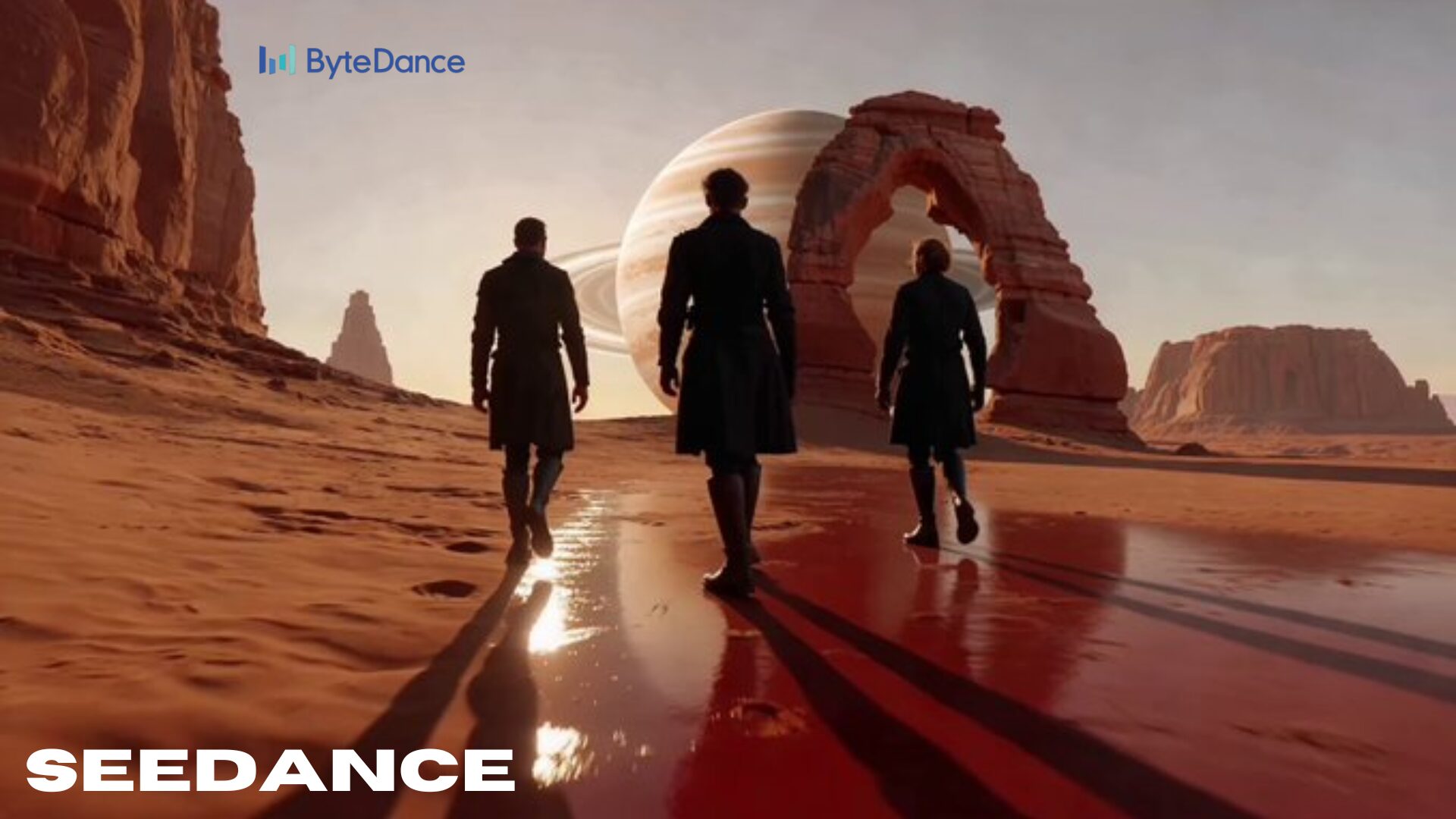
Seedance: AI Video That Feels Like a Story
Seedance from ByteDance lets you bring your words or pictures to life as short, smooth, cinematic video clips. Unlike many tools that produce single loops, Seedance stitches together multiple shots like establishing scenes, close-ups, or slow-motion in one go, and keeps everything visually consistent. It works from just text or a reference image and delivers crisp 1080p footage with steady motion and cohesive visual style.
What sets Seedance apart is its speed and affordability. It doesn’t just churn out pretty clips – it’s designed for everyday users. It tends to be faster and easier on your wallet compared with similar tools, and its natural scene flow makes it feel more like real storytelling than a simple animation . Perfect for creators who want to turn ideas into engaging visuals quickly and without fuss.
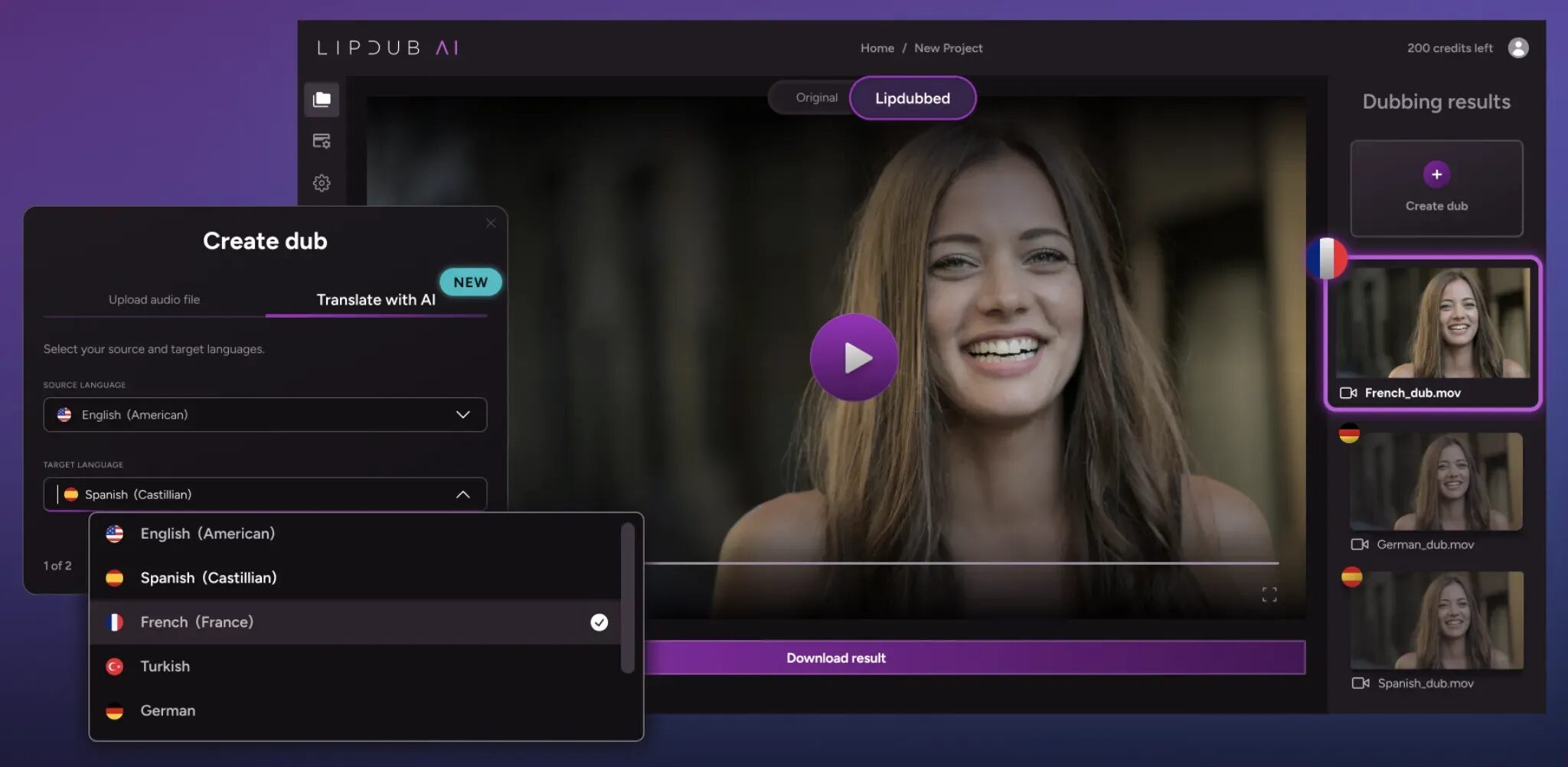
LipDub: Smoother AI Lip Sync for Any Language
LipDub stands out in today’s crowded AI video space with its ability to handle multiple characters and languages in a single video—without a time limit. What makes it unique is its strong focus on realism and flow. Unlike most lip-sync tools that struggle with longer content or multi-speaker clips, LipDub delivers results that can match high-level productions, which might be why it’s already being used by brands like HBO and MrBeast.
It’s designed for creators who want accurate, flexible dubbing without a steep learning curve. You can even see real examples on their site to get a feel for how natural the synced dialogue looks across different languages.
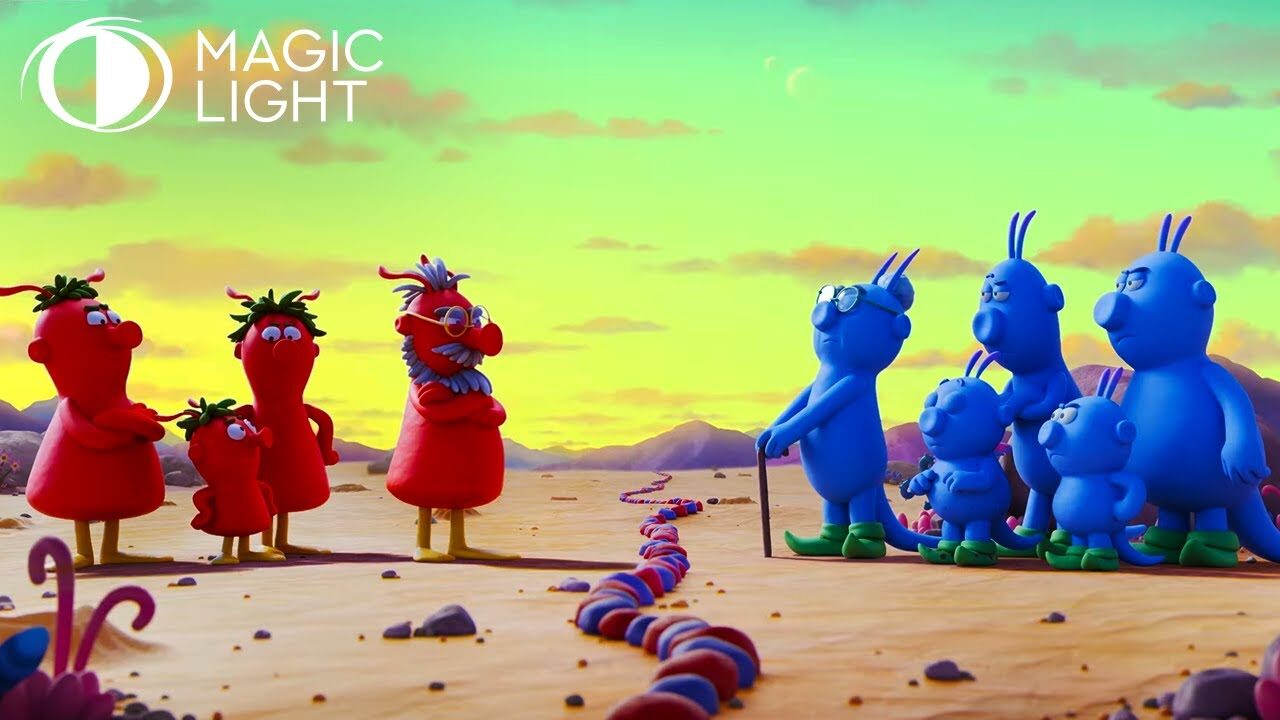
MagicLight: Character‑Consistent, 30‑Minute Storytelling from One Prompt
MagicLight is an AI tool that turns a single written prompt into a full-length, up to 30-minute animated story, complete with characters that look and act the same from start to finish. Unlike many other tools that might make characters shift or morph inconsistently, MagicLight holds onto your chosen character throughout the entire video, making it feel more like a genuine mini-movie than a random clip.
What sets MagicLight apart is its focus on smooth storytelling and character continuity. It automates scene creation, pacing, and even voiceover generation, reducing hours of editing work into minutes of creative flow. It’s a helpful companion for anyone looking to bring little tales to life, no heavy editing skills needed. Perfect for creators who want a friendly but powerful way to explore AI storytelling.
One‑Click Story: Effortless Storytelling with Your Words
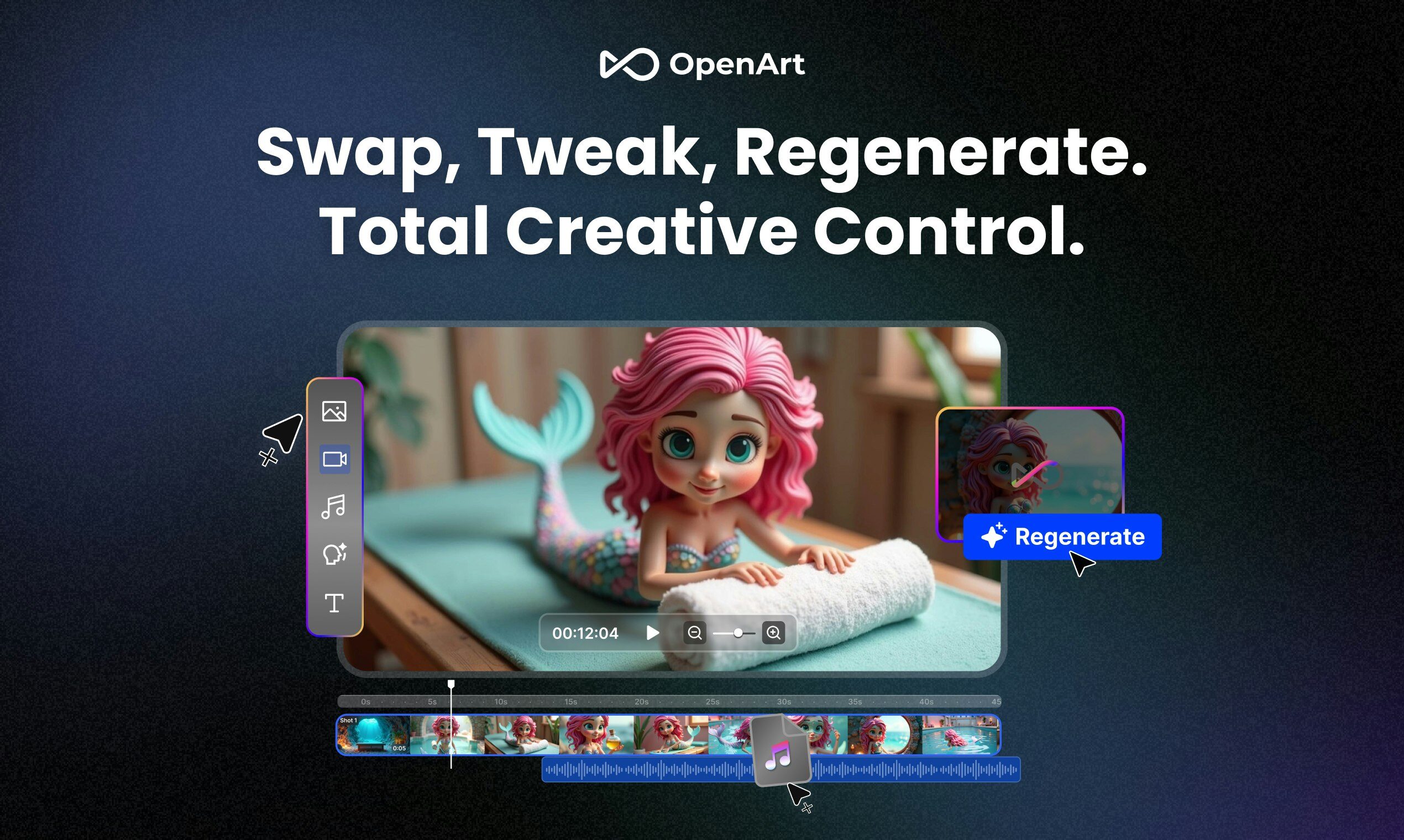
OpenArt just rolled out One‑Click Story, a friendly feature that transforms a single line of text, your idea, script, or even a beat, into a full video clip. Whether it’s a music video, a quick explainer, or a mini vlog, it stitches together visuals, motion, voice, and music automatically. No need to fiddle with multiple apps or timelines, just type, click, and you’ve got a share‑ready video.
What makes this stand out from other AI video tools is how smooth and imaginative the end result feels and how seamlessly it combines several creative steps in one go. While many tools require separate steps for visuals, audio, and editing, One‑Click Story handles it all instantly. It’s a handy way for anyone, tinkering creators or storytelling newbies, to bring ideas to life without fuss.