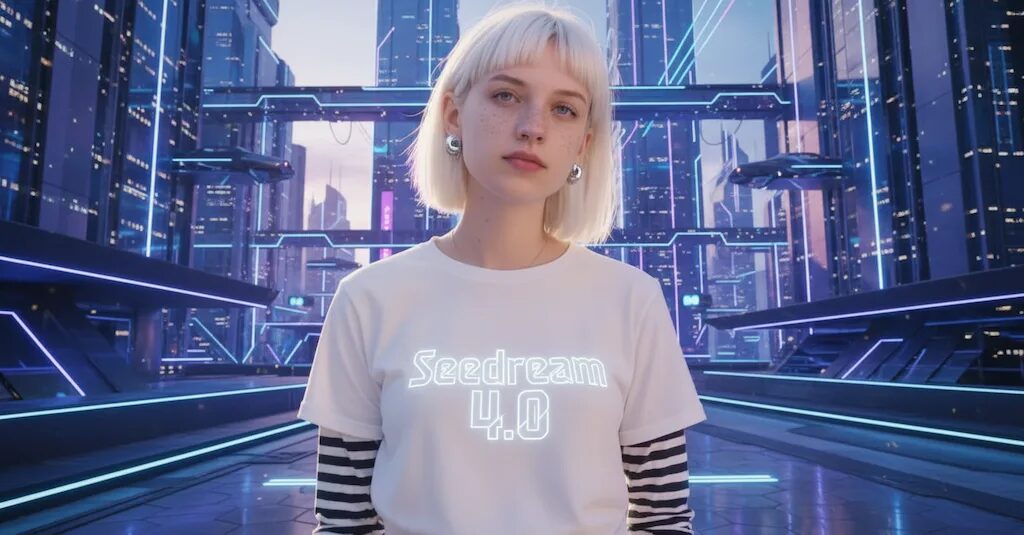
Seedream 4.0: Smarter Image Creation in One Place

Seedream 4.0 from ByteDance tries to simplify how you create and edit images. Now, instead of switching between tools, you can start with a blank canvas or upload your own picture, then use a text prompt to adjust or change things, remove someone, change the setting, tweak lighting, etc. while keeping everything else the same. It also accepts multiple reference images, so you can mix styles or pull ideas from several visuals at once. 

What makes Seedream 4.0 stand out is its blend of quality and flexibility. It supports high-resolution output (up to 4K), works faster than earlier versions, and handles “knowledge-driven” edits like illustrations or diagrams more reliably. It claims to be better than Nano Banana for image editing, but they are both excellent, in my experience.
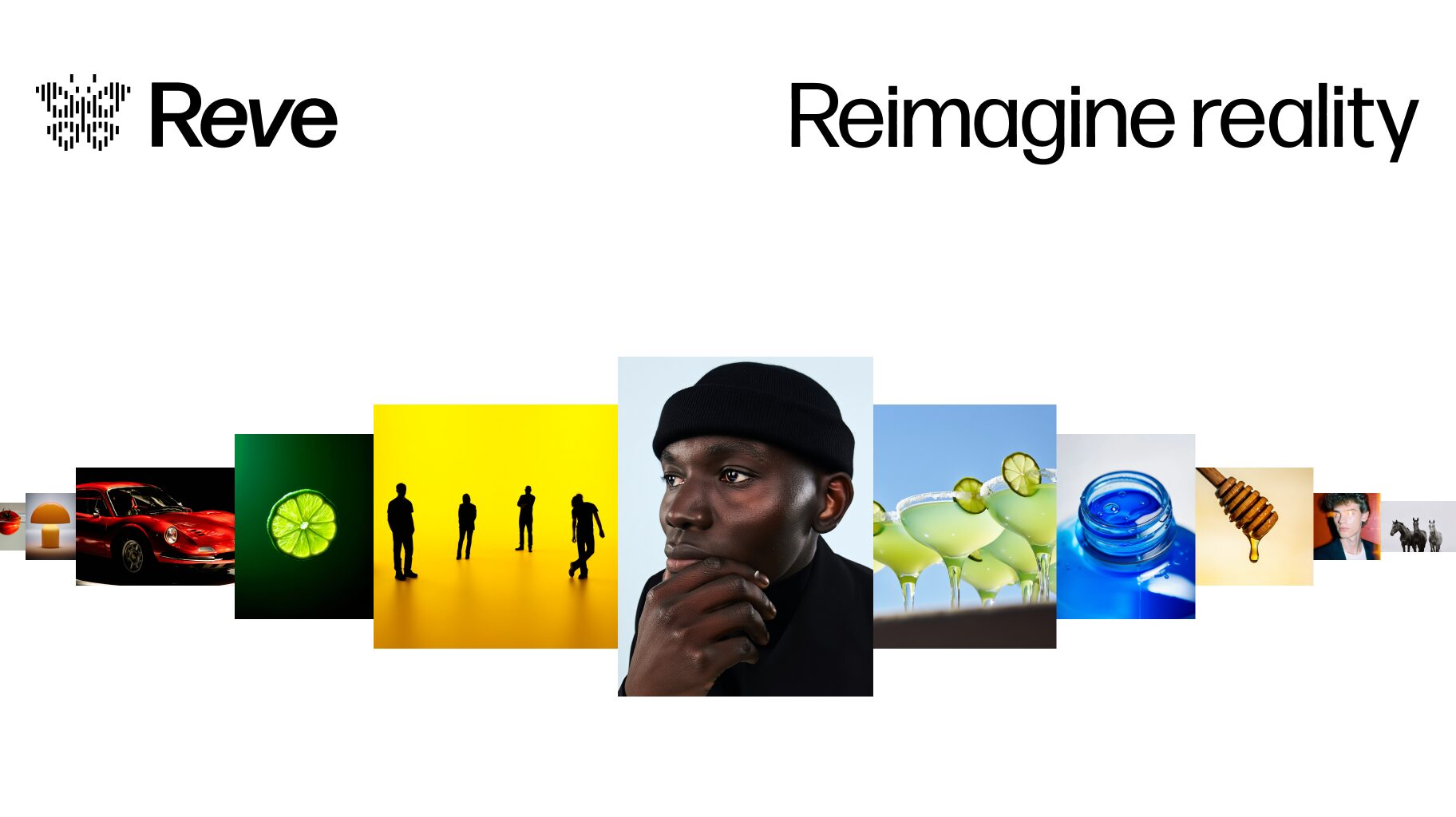
Reve: A Fresh Take on AI Image Creation

Reve takes a different approach to the usual AI image generators. – instead of chasing photorealism or technical perfection, it says that it focuses on personality and storytelling.

Supposedly, what’s interesting about Reve is how it handles creative prompts. It claims that the outputs feel more like illustrations from a story rather than standard AI renders (I’m not sure what that means). There are a lot of YouTubers raving about it and saying that it’s the next step up from Nano Banana and SeeDream 4.0, but we’ll see.

The tool does seem designed with accessibility in mind. It’s not trying to compete on raw power or feature count, but rather on being genuinely useful for everyday creative work. For educators, hobbyists, or anyone doing content creation, it claims to offer a nice alternative to the more technical-focused options out there. I haven’t had time to personally test it yet, but I will.

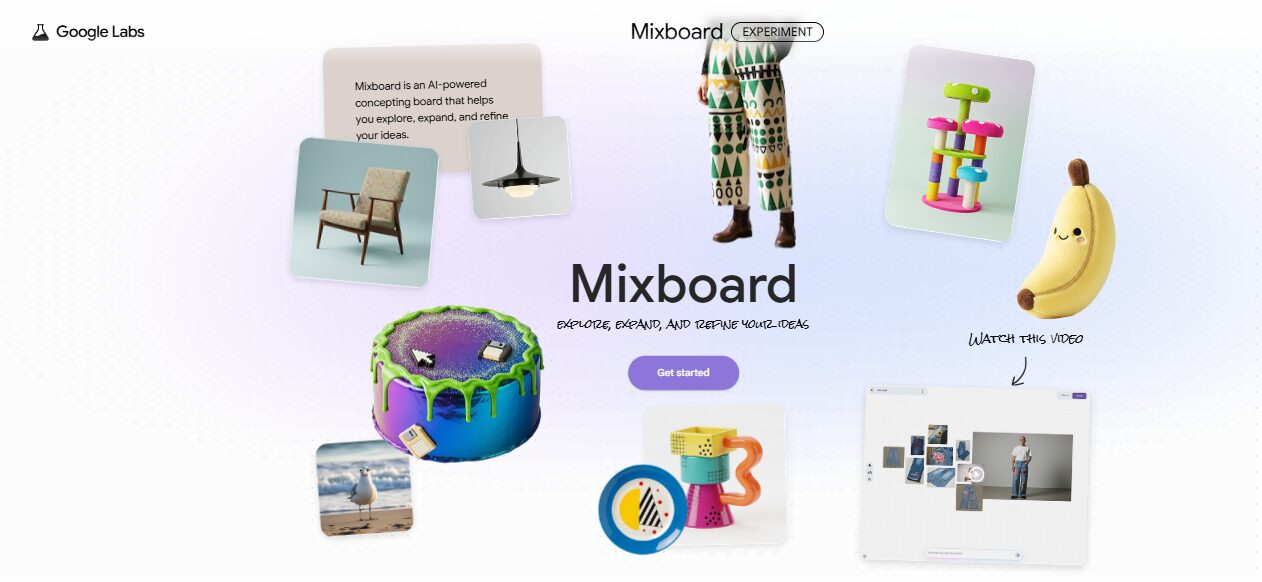
AI Brainstorming with MixBoard

Google’s MixBoard feels like a creative playground for visual thinkers. Instead of typing out long prompts or switching between tools, you can throw ideas onto one space and instantly see them come to life through 15 images that you define. You can drag, resize, and remix these visuals to explore new directions quickly, making brainstorming feel more like play than work. It’s especially handy for anyone who needs a burst of inspiration or wants to visualize ideas without getting stuck on design details.

You can mix your own photos with generated ones, or even test how your logo looks across different items in seconds. It brings a hands-on, collaborative twist to creative thinking – perfect for artists, content creators, or anyone who loves experimenting with visuals. I gave a demonstration of MixBoard in my seminar of October 8th.

ElevenLabs Unlocks Full-Spectrum AI Creation

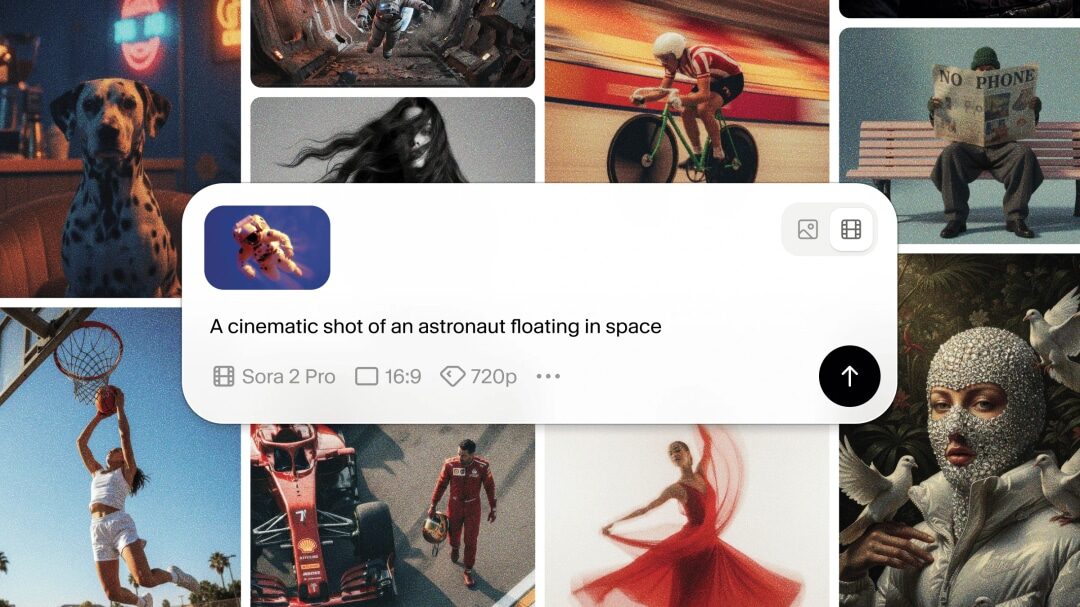
ElevenLabs recently launched Image & Video (Beta), a simple way to bring your ideas to life in one space. Now, you can generate images using models like Nano Banana or Flux Kontext, build videos with VEO, Sora, Kling, Wan and Seedance, and polish them in Studio with expressive voiceovers, background music, and just the right sound effects. This gives you a unified creative workflow where you don’t have to hop between tools anymore. Everything from visuals to narration lives in ElevenLabs now, so you can easily scale up your images and video, sync lip motion, and export a finished piece all in one place. The only drawback I found personally is that it uses an amazingly large number of credits when generating videos.