Effortless Ad Creation with Icon AI

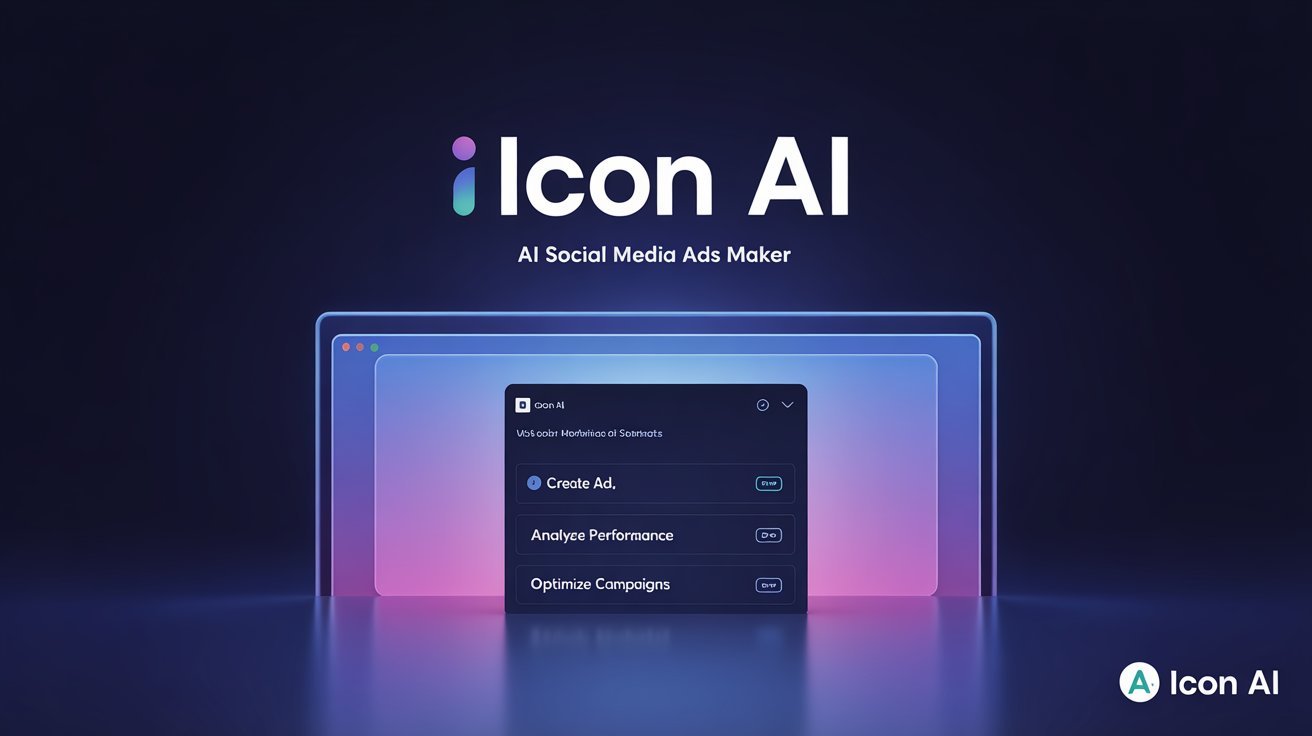
Creating ads that stand out can be time-consuming, but Icon AI is designed to make the process much smoother. This AI-powered tool helps with everything from researching successful ads to writing scripts, generating voiceovers, adding captions, and even choosing background music. It aims to simplify the creative process so users can focus more on their ideas rather than the technical aspects of ad production.

What makes Icon AI particularly useful is its ability to streamline multiple steps into one seamless workflow. Instead of juggling different tools for each task, users can generate and refine their ads in one place, potentially saving time and effort. The tool also supports auto-uploading, making it even easier to get finished ads live. Learn more here

Cloning Websites Made Easy with Gamma AI

Gamma AI is an innovative tool that simplifies website creation by allowing users to replicate existing sites effortlessly. By simply inputting the URL of a desired website, Gamma AI generates a fully functional replica, eliminating the need for extensive coding knowledge. This feature is particularly beneficial for individuals looking to understand website structures or seeking inspiration for their own projects. Gamma also creates PowerPoints.

Beyond cloning, Gamma AI offers customization options to tailor the duplicated site to individual preferences. Users can modify layouts, tables, graphs, fonts, and other elements to better align with their vision. Gamma also integrates AI models like Flux Pro, Imagen 3, Ideogram, and Luma Photon to assist in generating high-quality content, including text and images.

Monica – One AI Tool to Rule Them All

Monica enables you to use all the GPTs – ChatGPT, Claude, Gemini, and more, as well as the best image and video generators all in one place. This enables you to save a lot on all the individual subscriptions, but also to compare results and not to have to go to multiple tools to do so. Monica also allows quite a bit more usage for less cost than Poe, even in their free version, and it has much better privacy implementations.

It has a browser extension that enables you to “chat” with websites, get summaries, do screenshots, create mindmaps, and get YouTube video summaries. And it has a large number of writing and image editing tools, and it can summarize multiple open browser tabs at once, check grammar, remove image backgrounds and watermarks, integrate with Gmail, Facebook and others to help with replies and posts, transcribe audio, convert PDFs to PowerPoints, generate podcasts, humanize AI text, translate and convert document files, do OCR on images, and all sorts of other things.

It has a free plan, but I think the $9.90 plan is an incredible bargain as it can replace hundreds of dollars in subscriptions for all the tools it incudes. You can get free access to GPT-4o, Claude 3.5 & DeepSeek with Monica here

Claude Gets Smarter with Research Tool and Google Workspace Support

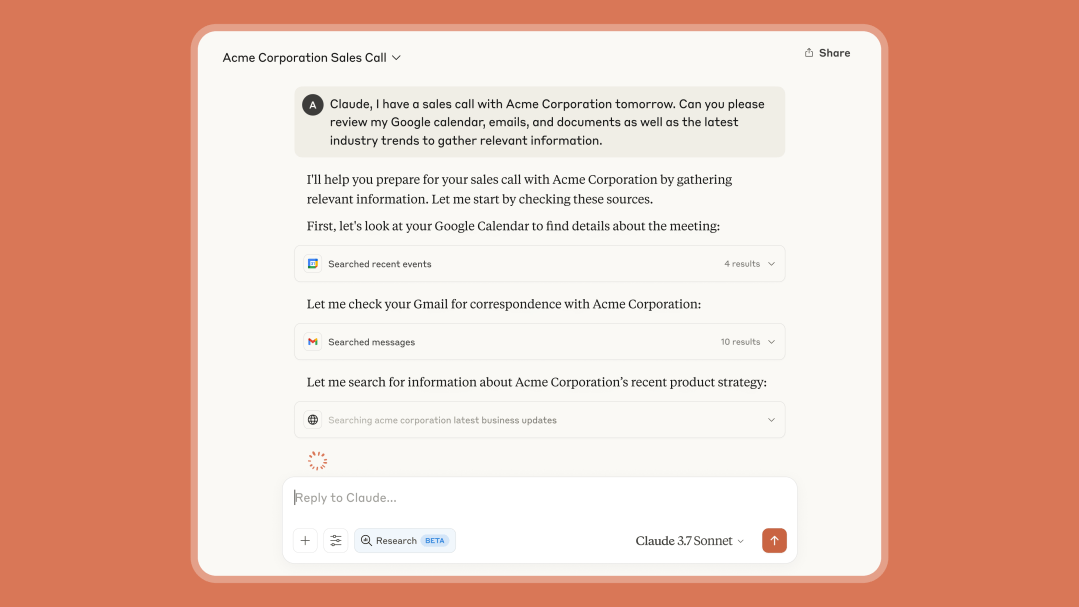
Claude’s new Research tool is bringing a helpful upgrade to how the AI assistant handles information gathering. Unlike ChatGPT’s basic web browsing, Claude can now perform multiple search queries on a single topic, working through complex questions step by step. This means more accurate answers with proper citations so you know where the information is coming from. If you’re trying to understand a complicated news story or researching a hobby project, Claude can now dig deeper and explain things more thoroughly.The Google Workspace integration means Claude can now work with your Gmail, Calendar, and Google Docs—something that sets it apart from many competitors. Need help making sense of your cluttered inbox? Claude can summarize important emails. Feeling overwhelmed by meeting notes? It can pull out the key action items. Claude can even understand the context of your documents to provide more relevant assistance. These updates make Claude more useful for everyday tasks while keeping the friendly, thoughtful approach that users appreciate. Learn More

SlidesAI: Turning Text into Presentations, Effortlessly

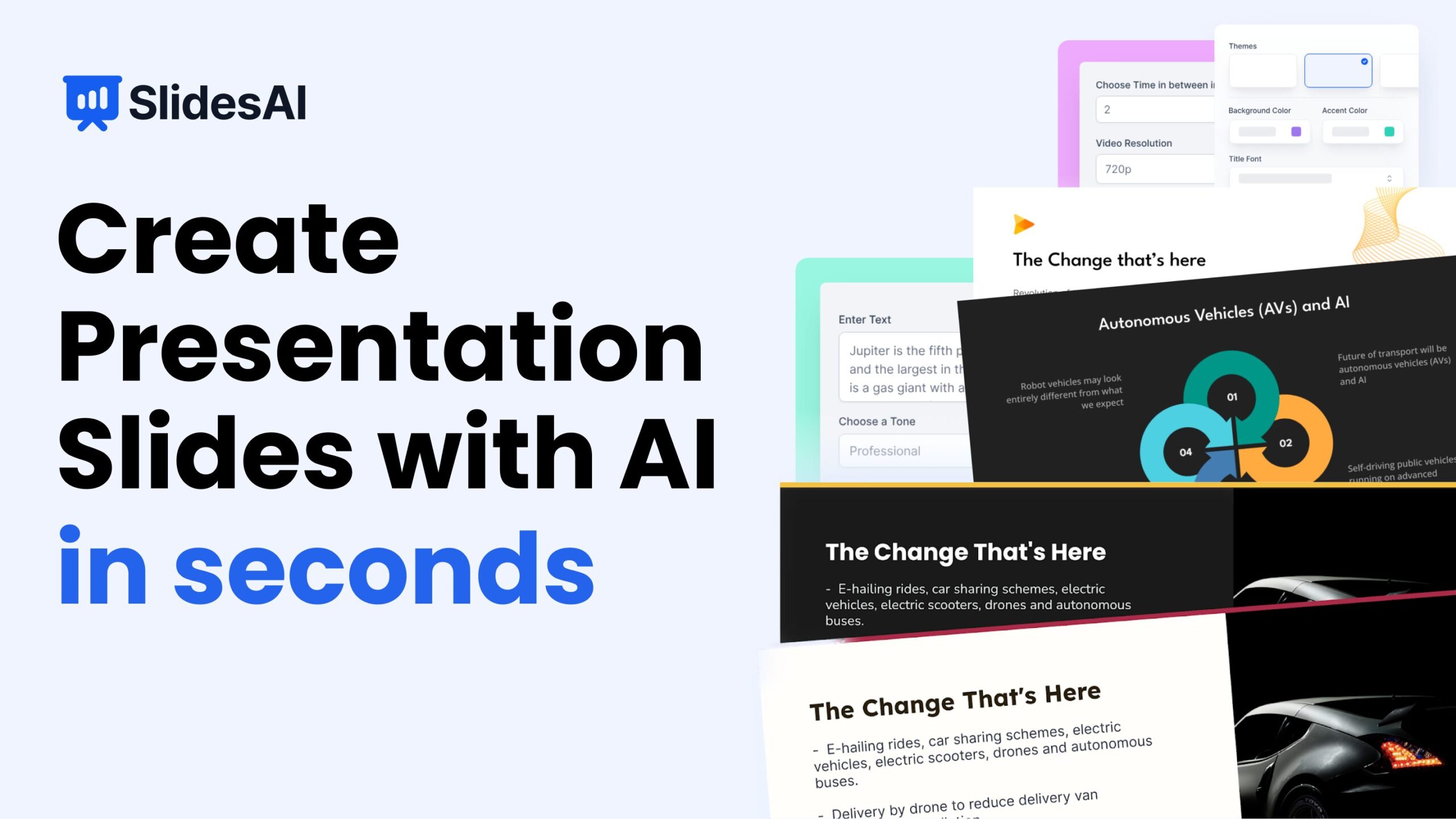
SlidesAI offers a straightforward way to turn written content into presentation slides without needing design skills. What makes it stand out from other AI slide generators is how it focuses on clarity and simplicity—you just paste your text, pick a tone, and it suggests a complete slide layout. No logging into complicated design tools, no starting from scratch.While many tools focus heavily on visuals, SlidesAI keeps things clean and readable, which is helpful for people who want to get their message across without spending hours adjusting fonts and animations. It’s a time-saver, especially for students, educators, and business professionals looking to present ideas quickly. You can explore it at slidesai.io.

Claude 4: A New Chapter in AI Assistance

Anthropic has introduced Claude 4, featuring two new models: Claude Opus 4 and Claude Sonnet 4. These models which can code, reason, and support agentic capabilities better than ever before, are designed to handle complex tasks and offer improved performance in various applications. Claude Opus 4 is tailored for more demanding tasks, while Claude Sonnet 4 serves as a versatile option for everyday use.

A notable feature of these models is their ability to switch between quick responses and more in-depth, step-by-step reasoning. This flexibility allows users to choose how they interact with the AI based on their specific needs. These new AI agents should unlock new opportunities for people to optimize how they work, develop products, and even build their own startups.For more details, you can visit Anthropic’s official announcement: Introducing Claude 4.

Automate Your Browser with Just Words

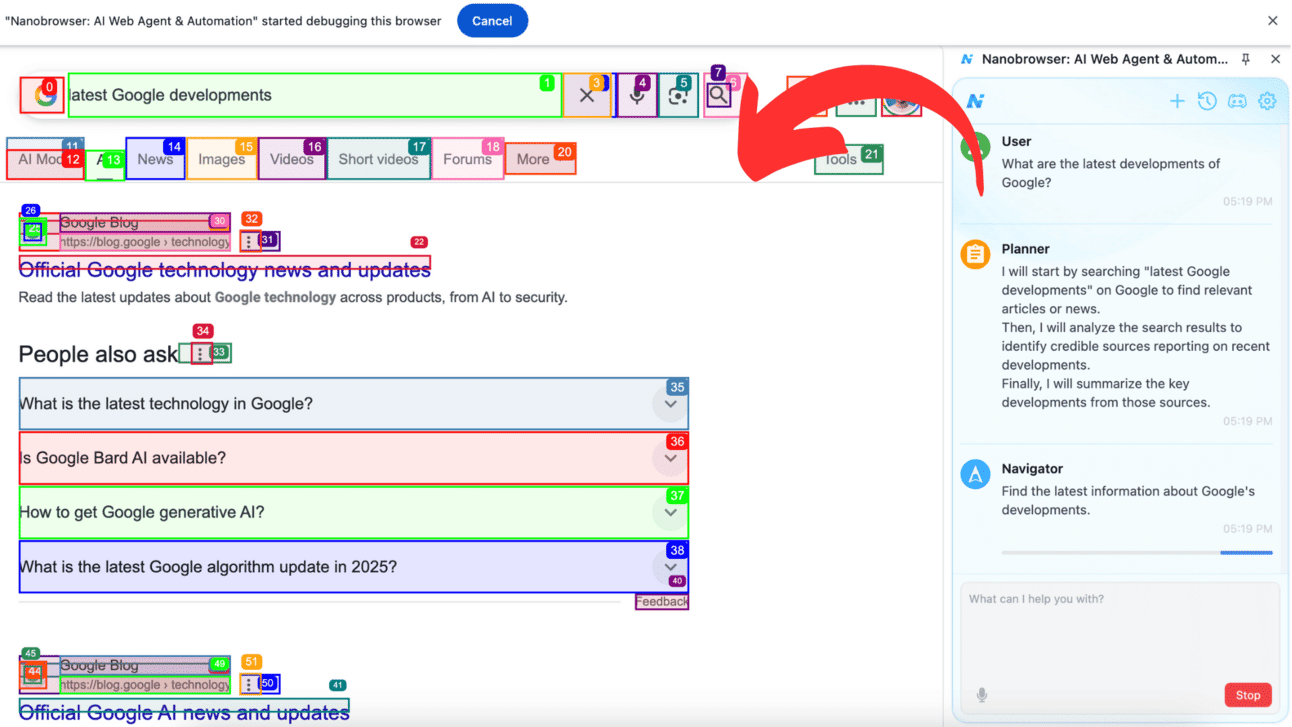
Nanobrowser is a user-friendly Chrome extension that teams up with Google’s Gemini AI to help you automate everyday browser tasks using natural language. After installing the extension and connecting your Gemini API key, you can give simple prompts like “Find the latest releases by Company X and summarize the key features.” It’s like having a personal assistant guiding your browser, all within familiar tabs and pages.

What makes Nanobrowser stand out is its quiet efficiency: it works with your existing browser sessions and supports multi-step automation—from planning to navigation to validation. This setup means you can manage social media, gather business research, or track competitors without ever switching tools . It’s a helpful bridge between casual browsing and smarter workflows for anyone who wants to automate using their browser.

Claude Connections: Bridging Your Everyday Apps

Claude’s new Connections feature lets you link popular tools like Notion, Canva, Stripe, Figma, Slack, and Google Drive directly to the AI chat, without needing any setup skills. This means Claude can access your notes, designs, or project files instantly, making it easier to summarize, repurpose, or build on them—all from a single chat window.

Unlike other assistants embedded only in their native apps, Claude’s strength is in pulling information from your setup, no copy‑pasting or repeated context needed. It’s a friendly, efficient way to get things done faster. For anyone wanting AI to work with what they already do, Claude Connections can feel like a helpful sidekick—just one click and it’s ready to go.

Meet Opal — Google’s No-Code AI Mini‑App Builder

Opal is a new experimental tool from Google Labs that helps anyone create simple AI-enabled mini-apps using plain English, no coding needed. Just describe what you want your app to do, and Opal visualizes the steps, like input, functions, and output, in a clean, drag‑and‑drop workflow. It’s especially friendly to beginners and community creators looking for a fun way to test ideas quickly.What makes Opal stand out right now is its focus on chaining together prompts and AI model calls into shareable mini-apps, rather than building full-scale apps. Compared to other tools, Opal leans into the “vibe‑coding” trend, where what matters most is describing your intent, not knowing syntax. Learn more.

Meet Comet, Your AI Browser That Thinks With You

Perplexity introduced Comet, a web browser, in July 2025. The browser integrates Perplexity’s search and answer capabilities directly into your browsing experience through a sidebar that activates when needed.

Comet works alongside your regular web activities. Whether you’re reading articles, writing emails, or comparing flight prices, you can ask questions or request help without switching between different apps or tabs. The browser aims to support your natural workflow rather than interrupt it.

The browser includes several practical features: you can highlight text to get instant explanations, organize or summarize open tabs, and get assistance with tasks like email drafting. These tools are designed to activate when you want them, staying out of the way otherwise.

Rather than focusing on cutting-edge AI capabilities, Comet emphasizes fitting into how people already use the internet. The goal appears to be making web browsing feel more intuitive by having helpful tools readily available when curiosity strikes or when you need a quick assist with routine tasks.

Learn more